🎉 Valentine Care Month Offer - Don't Miss Out 0d : 0h : 0m : 0s | Get 20% Off ➡️
Call Louder Logo

data recovery

recover data from corrupted sd card

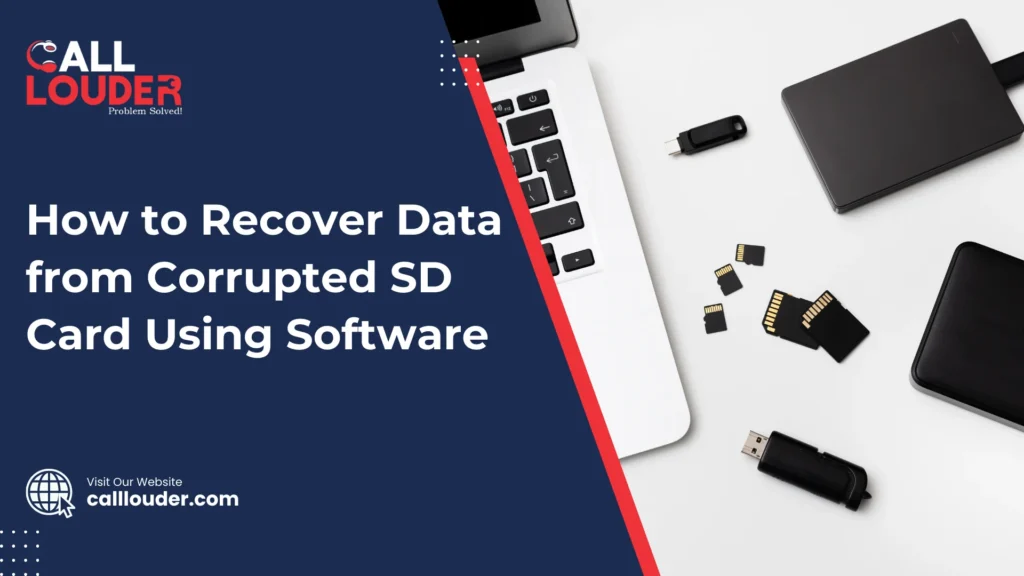
How to Recover Data from Corrupted SD Card Using Software

If you’ve ever used an SD card, you probably know the panic feeling. You put it into your phone, camera, or laptop, and suddenly receive a message “SD card not detected” or “Card is corrupted.”  In just a few seconds, your photos, videos, or files seem to disappear. Although it feels scary, don’t worry just yet. In many cases, your data is still there, and Data Recovery software can help you get it back. SD cards are small and useful, but they are also easy to damage. Since they are used in many devices, problems happen more often than people think. The good news is that software-based recovery is one of the easiest and safest ways to fix this issue. Let’s go step by step. Why SD Cards Get Corrupted SD cards can stop working for many reasons. Sometimes it happens because the card was removed without safely ejecting it. Other times, it could be due to a virus, a sudden power cut, or even using the same card on different devices again and again. Although SD cards are made to store data, they don’t last forever. Over time, they can wear out. Because of this, files may become unreadable, or the card may ask you to format it. But also remember, formatting should be your last option, not the first. What to Do First When Your SD Card Is Corrupted The moment you realize your SD card is corrupted, stop using it. This is very important. Do not save new files on it, and do not format it, even if your device asks you to. Why? Because when you keep using the card, new data can overwrite old data. Thus, the chances of Data Recovery become lower.  So, leave the SD card alone and prepare for recovery. What Is Data Recovery Software? Data Recovery software is a tool that scans your SD card and finds lost or hidden files. Even though you can’t see your files, they are often still inside the card. The software looks deep into the storage and brings them back. This type of software is helpful because it doesn’t require technical skills. Most programs are easy to use and guide you step by step. Since professional recovery services can be costly, software is a much better first choice. How to Recover Data from a Corrupted SD Card Using Software Here’s a simple and clear process anyone can follow: First, remove the SD card from your device and connect it to your computer using a card reader. Most laptops and PCs can detect SD cards easily. Next, download and install a trusted Data Recovery software on your computer. Make sure you install it on your computer, not on the SD card, because installing anything on the card could damage your data further. After opening the software, you will see a list of drives. Select your SD card from the list. Then start the scan. Although the scan may take some time, be patient. The software is checking every part of the card. Once the scan is complete, the software will show you a list of recoverable files. Many programs even let you preview photos or videos. This is helpful because you can see what you’re getting back before saving it. Finally, choose the files you want and save them to your computer or another storage device. Do not save them back to the same SD card, since that could cause more problems. What If Some Files Can’t Be Recovered? Sometimes, not all files can be recovered. This usually happens if the data was overwritten or if the SD card is physically damaged. Although that can be disappointing, many users still recover most of their important files. Even partial Data Recovery is better than losing everything. That’s why it’s always worth trying recovery software first. Can You Fix the SD Card After Recovery? After you recover your files, you can try formatting the SD card. Formatting removes errors and may make the card usable again. However, if the card keeps getting corrupted, it’s better to replace it. SD cards are affordable, but your data is valuable. Therefore, using a new card is often the safer choice. How to Prevent SD Card Problems in the Future Once you’ve gone through data loss once, you’ll want to avoid it again. Always safely eject your SD card before removing it. Avoid using the same card on too many devices. Also, keep your devices protected from viruses. Most importantly, create backups. Since accidents happen, backups help you stay calm. You can copy your files to a computer, external drive, or cloud storage. Thus, even if something goes wrong, your data stays safe. Final Thoughts Having a corrupted SD card can be incredibly stressful, but it is not the end of the road! Yes, it may seem like a very serious problem; however, Data Recovery Software gives you a strong chance to get your files back. Data loss happens to almost everyone at some point. But knowing what to do makes a big difference. So next time your SD card fails, stay calm, use recovery software, and take steps to protect your data in the future. FAQs

How to Recover Data from Corrupted SD Card Using Software Read More »

ssd data recovery

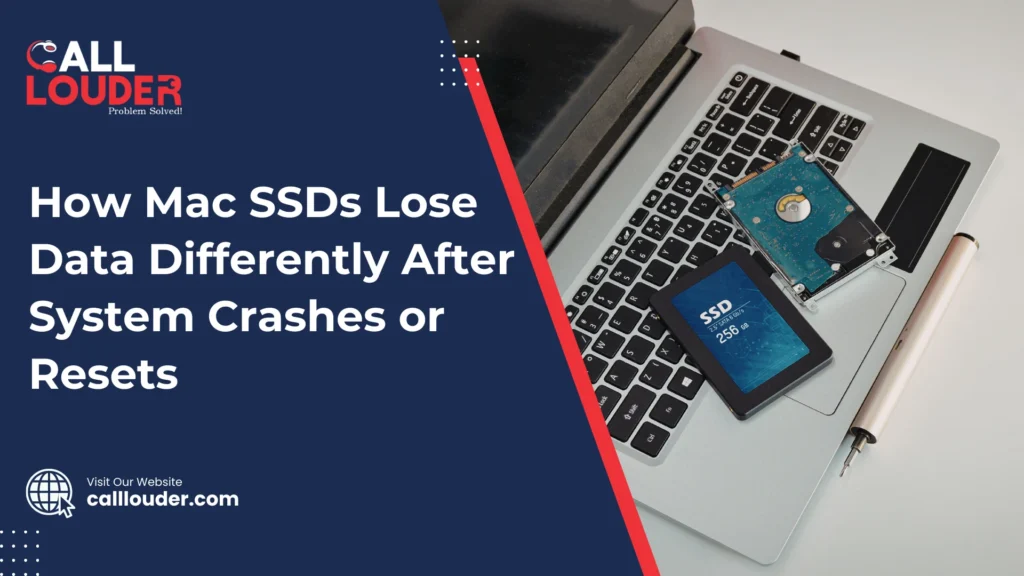
How Mac SSDs Lose Data Differently After System Crashes or Resets

When a Mac crashes or suddenly restarts, most people worry about the same thing: Did I lose my data? Sometimes everything looks fine after rebooting, but other times files are missing, apps won’t open, or documents are damaged. This happens because Macs use SSDs, and SSDs handle data loss very differently compared to older hard drives. To understand what really happens, we need to look at how SSDs work and why crashes or resets can cause problems, even though everything feels fast and modern. SSDs Are Not Like Old Hard Drives Older computers used hard drives with spinning disks inside so when something went wrong, data often stayed on the disk even if the system crashed. Most recovery tools could recover most data because the data was still physically there. Macs today use SSDs, which stand for solid-state drives. SSDs have no moving parts. They store data using memory chips instead of spinning disks. This makes them faster, quieter, and more reliable in daily use. But it also means they behave very differently when things go wrong. Because SSDs are designed for speed and efficiency, they clean up data very quickly. This is good for performance, but bad for recovering lost files. What Happens During a System Crash A system crash usually happens when macOS is busy doing something in the background. It could be saving a file, updating apps, syncing data, or writing system information. If the crash happens in the middle of this process, the file may not finish saving properly. This can cause problems like: On an SSD, unfinished data does not just sit there. The system may later decide that the broken data is useless and remove it completely. So although the file name might still appear, the real content may already be gone. Why Forced Resets Are Risky A forced reset occurs when you hold down the power button or restart the Mac suddenly because it is frozen, causing your Mac to shut off instantly, without giving the system time to finish what it was doing. When power is cut abruptly, all of the information stored temporarily can be lost. This can lead to: The TRIM Feature Makes Data Loss Permanent One big reason SSD data loss is different is something called TRIM. TRIM is a command macOS sends to the SSD to tell it which data is no longer needed. This helps the SSD stay fast and healthy. When TRIM runs, the SSD erases unused data completely. Though this is good for speed, but once data is erased by TRIM, it cannot be recovered. If macOS detects a fault or damaged file after the system has crashed or been restarted, it may mark the file as unused. In addition, TRIM may then erase them quickly. This means files that might have been recoverable on old hard drives are completely gone on SSDs. macOS Tries to Fix Things Automatically macOS is designed to protect the system first. If there is a problem with the Mac, it may try to repair the disk, fix any errors that are present, and delete anything that it considers a security risk. Although this helps keep the Mac stable, it can also remove personal files that look damaged. The system chooses safety over saving broken data. Therefore, even though the Mac boots up and works again, it is possible that some files may be lost unexpectedly. Why Data Loss Is Not Always Immediate One confusing thing about SSD data loss is that it doesn’t always show up right away. You might restart your Mac and everything seems normal. Days later, you realize a document is missing or won’t open. This happens because the file reference still exists, but the actual data was erased earlier. SSDs don’t slowly fail. When data is gone, it’s usually gone completely. Why SSD Data Is Hard to Recover With old hard drives, recovery software could scan unused space and rebuild files. SSDs don’t work like that. Because of how SSDs manage memory: This makes recovery very difficult. Once the SSD deletes something, there is often nothing left to recover. That’s why experts say you should stop using the drive immediately after data loss. Using the Mac more gives the SSD more chances to erase old data. How to Protect Your Data Since crashes and resets can happen to anyone, it is important to have a backup in place. The following are some easy-to-follow steps that help a lot: – Use Time Machine as often as possible  – Store backups on external drives or cloud storage – Avoid forced shutdowns unless absolutely necessary  – Let updates or installations complete  – Ensure you have available storage on your SSD. Backups make crashes much less scary because even if data is lost, you can restore it easily. Final Thoughts While Mac SSDs have been proven to be fast and reliable, they do have certain restrictions when it comes to data errors. After crashing or resetting a system, both the SSD and the system work together to clean up quickly. This improves performance, but it also means lost data is often gone forever. Although this sounds a bit scary, understanding how SSDs work helps you prepare. With regular backups and careful use, crashes become less stressful. FAQs

How Mac SSDs Lose Data Differently After System Crashes or Resets Read More »

sd card data recovery mac

How to Recover Data from an SD Card That Asks to Be Formatted on Mac

When you receive or see the message “You need to format the disk before you can use it” when inserting an SD card into your Mac, it can be concerning. This error is very common and is usually associated with file system issues rather than data loss. This message can appear suddenly because the SD card was removed improperly, used on different devices, or became slightly corrupted. Although your Mac can’t read it properly, the data is often still there. That’s why sd card data recovery mac solutions can help before you format anything. There is no need to rush to format the card. Many times, files can be retrieved first, and then the SD card can be fixed. Following the right steps early gives you the best chance to get your data back. What Does It Mean When an SD Card Asks to Be Formatted on Mac? When your Mac asks to format an SD card, it means macOS can’t read the card properly. This usually happens because the file system is damaged or was created on another device. Although the card looks unusable, the data may still be there. In most cases, this is a logical error and not physical damage. Logical issues happen due to sudden removal, power cuts, or software glitches, while physical damage involves cracks or internal failure. Logical problems are much easier to fix with sd card data recovery mac methods. You should avoid formatting the SD card right away because formatting can erase your files. Since recovery is often possible before formatting, it’s safer to try data recovery first. Quick answer:This message means your Mac can’t read the SD card, but your data is often recoverable. Do not format it until recovery is attempted. Common Reasons an SD Card Becomes Unreadable on Mac What to Do First When Your SD Card Asks to Be Formatted If your SD card suddenly asks to be formatted, the first thing is to stop using it immediately. Writing new files can overwrite your data and make recovery very difficult. Do not click “Format” even if the Mac suggests it. f you do, all your files could be gone for the moment. Next, safely remove and reinsert the SD card into your Mac. There are times when reconnecting it the right way makes it readable. If it still doesn’t work, try a different SD card reader or port. A faulty reader can also cause the card to appear unreadable. Check SD Card Visibility in Disk Utility on Mac Open Disk Utility from Applications > Utilities to see if your SD card is detected. If it shows up, it means your Mac can see the card but may not read it correctly. After checking your file system status, if it is showing “Unreadable” or “Corrupted,” it simply means your SD card has logical errors that can often be fixed with recovery tools. Disk Utility may also show error messages like “The disk you inserted was not readable by this computer.” Such messages tell you whether the problem is with the file system or with the hardware. How to Recover Data from an SD Card on Mac Without Formatting Before doing anything else, try read-only access methods. This means you access the SD card without writing or changing any files, so your data stays safe. It’s important to do data recovery before attempting any repairs. Fixing the card or formatting it first can overwrite your files and make them more difficult or impossible to retrieve. Also keep in mind that macOS built-in tools like Disk Utility can sometimes repair a card, but they usually don’t recover lost files. They are more for fixing minor errors and not full data recovery. Using Data Recovery Software for SD Card Data Recovery on Mac Data recovery software works best when the SD card is logically damaged although the files are still there. It scans the card and can restore photos, videos, documents, and other file types. Avoid saving the recovered files back to the same SD card so you do not accidentally overwrite data. For the best results, follow recovery best practices: stop using the SD card, use a trusted recovery tool, and save recovered files to a different drive. This is the safest way to do sd card data recovery mac and get your files back. Recovering Data Using Terminal (Advanced Users) Sometimes, Terminal commands on Mac can help access an SD card that cannot be read otherwise. It can let you copy files manually when other tools fail. However, there are risks as well. One wrong command can erase your data permanently or make recovery harder. Because of this, Terminal recovery is not recommended for beginners. It’s best only for users who are comfortable with command-line tools. What If the SD Card Has Physical Damage? When the SD card is cracked, bent, or the internal memory fails, it can cause physical damage. Signs include the card not being detected at all or making unusual noises in card readers. Fixing physical damage yourself usually fails and may create further issues. In these cases, it’s important to seek professional data recovery support. Experts have the tools to safely retrieve data without further damage. Can You Format the SD Card After Data Recovery? After you have successfully recovered your files, it is safe to format the SD card. Formatting your SD card resolves any errors and lets you use it again. Make sure to choose the correct file system for Mac, usually Mac OS Extended (HFS+) or exFAT if you plan to use it with more than one device. After formatting, you can reuse the SD card, but if it had severe damage before, replacing it may be a safer option to avoid future problems. How Professional SD Card Data Recovery on Mac Helps Professional services use advanced recovery tools that access files even when the SD card seems completely unreadable. These tools are much more effective than any typical DIY methods. They

How to Recover Data from an SD Card That Asks to Be Formatted on Mac Read More »

1000+

Happy Clients

4.9+

Average Rating

12Hr

Support

100%

Success Rate

Fill the Form & Unlock Your Benefits!

Buttons Popup

Fill the Form & Unlock Your Benefits!

Buttons Popup