🎉 Spring Season Tech Care Offer 31d : 0h : 0m : 0s | Get 20% Off ➡️
Call Louder Logo

Data Recover

windows file recovery

Does BitLocker Block Windows File Recovery?

Many people use BitLocker to protect their files because it adds strong security to a drive. However, when data gets deleted or lost, a common question comes up: does BitLocker block Windows File Recovery? The short answer is: it depends. Although BitLocker protects your data from unauthorized access, it can also make recovery much more complicated. Read on to know more! What Is BitLocker and How Does It Work? BitLocker is a built-in Windows feature that encrypts your drive. This means your data is locked and cannot be accessed without the correct password and/or recovery key. So because of this, even if someone removes your drive and connects it to another computer, they cannot read your files. This is great for security. However, since the data is encrypted, recovering deleted files becomes more complex. Can Windows File Recovery Work on a BitLocker Drive? Yes, Windows File Recovery can work on a BitLocker-protected drive but only if the drive is unlocked first. If the drive is still encrypted and locked, the recovery tool cannot scan it properly. Because BitLocker encrypts everything on the drive, the recovery software sees unreadable data unless you provide the correct password or recovery key. Therefore, you must unlock the drive before attempting recovery. So, Windows file recovery BitLocker situations is possible, but there are conditions that must be met first. When BitLocker Makes Recovery Difficult Although BitLocker does not completely block recovery, it adds extra steps and makes it even more difficult. Here’s why: 1. You Need the Recovery Key If you forgot your BitLocker password and do not have the recovery key, it becomes almost impossible to access the data. Since the drive is encrypted, even professional tools cannot simply bypass it. 2. Encryption Changes How Data Is Stored Because the files are encrypted, recovering raw data without unlocking the drive will only show scrambled content. Thus, you cannot recover files from an encrypted drive unless it is properly decrypted or unlocked. 3. Windows Recovery Tool Limitations There are certain Windows recovery tool limitations when dealing with encrypted drives. The built-in Windows File Recovery tool is basic and works mainly through command lines. Although it can recover deleted files, it does not fix serious corruption or hardware damage. If the drive has additional problems, such as file system errors or physical damage, recovery becomes more complicated. Can You Recover Files from an Encrypted Drive? You can restore files from an encrypted drive system if:  Since encryption protects the entire drive, it does not delete your data. It only locks it. Therefore, if you unlock the drive successfully, recovery tools can scan it like a normal drive. Also note that if you have lost your BitLocker Recovery Key, it will be very difficult to recover data from the drive. What If Windows File Recovery Does Not Work? Sometimes, even after unlocking the drive, Windows File Recovery may not find your files. This can happen because: In such cases, you may need a professional BitLocker encrypted drive recovery solution. When to Consider a BitLocker Data Recovery Service If your data is very important and the built-in tool fails, you may consider a BitLocker data recovery service. These services use advanced software and hardware tools to handle encrypted drives carefully. Consider a BitLocker data recovery service if your data is highly valuable but cannot be recovered using BitLocker’s built-in recovery tools. These high-end and high-tech software and hardware tools can assist you in recovering your encrypted drive in an appropriate way. FAQs

Does BitLocker Block Windows File Recovery? Read More »

hdd data recovery

What Are the Risks of Attempting DIY HDD Data Recovery?

Losing important files can feel a lot scary and stressful. Be it family photos, office documents, or personal records, no one wants to lose their data. Because of this, many people quickly search for HDD Data Recovery solutions online. Also at first, trying to fix the problem yourself may seem easy and affordable. However, although DIY methods look simple, they can lead to serious problems if not handled carefully. What Is DIY HDD Data Recovery? DIY HDD Data Recovery means trying to recover lost, deleted, or corrupted files from your hard drive without taking help from a professional. People usually download recovery software, watch online videos, or follow step-by-step guides. Sometimes, they even open the hard drive at home to fix it. Although this may sound brave and smart, but let me tell you that hard drives are very delicate devices. Since they have tiny moving parts inside, even a small mistake can cause permanent damage. Therefore, it’s important to know what can go wrong. 1. Risk of Hard Drive Recovery Failure One of the biggest problems with DIY recovery is hard drive recovery failure. You may try different tools and methods, but they might not work well. Because every data loss case is different, not all software can fix every problem. If the drive has physical damage, software alone will not help. Thus, you may waste time running scans again and again, hoping for better results. Meanwhile, the drive’s condition can get worse. When recovery fails, it also becomes harder for professionals to fix the issue later. Since the drive has already been stressed or misused, the chances of full recovery may be reduced. 2. Making the Damage Worse A very serious risk of DIY HDD Data Recovery is causing more damage. If you continue using the same hard drive after data loss, new data may overwrite the old lost files. Once data is overwritten, it becomes almost impossible to get it back. Also, if you try to open the drive at home for damaged hard drive recovery, dust or tiny particles can enter inside. Hard drives need a clean room environment to be opened safely. Although it may look simple in videos, doing it at home can permanently destroy the disk. Because of this, a small issue can turn into a complete hard drive recovery failure. 3. Hard Drive Clicking Noise Recovery Is Not Simple If your hard drive is making a strange clicking sound, this is usually a sign of physical damage. Many people search online for hard drive clicking noise recovery solutions and try to fix it themselves. However, a clicking noise often means the internal parts are failing. Since the read/write head may be damaged, using the drive further can scratch the disk surface. Thus, every second the drive runs, more data can be lost. Although some people believe freezing the drive or tapping it might help, these methods are risky and outdated. In reality, they can make the situation worse. Therefore, clicking noise problems usually need professional tools and clean room service. 4. Incomplete or Broken File Recovery Even if your DIY attempt seems successful, the recovered files may not open properly. You might see file names, but the content could be missing or corrupted. This happens because software tools may only recover parts of the data. Although it looks like recovery worked, the files may be incomplete. As many people do not realize that there is a way to check file integrity, it is possible for them to think that their files are intact until they try to open an important file later. Thus, a failed data recovery attempt may not always look like a total failure at first. Sometimes, the problem shows up later. 5. Security and Malware Risks Another important point in understanding DIY HDD data recovery risks is security. Most free hard drive recovery tools are not secure and may expose you to common security risks, such as viruses and malware, because they originate from “unknown sources.” When you install such software, your personal information will be vulnerable to exposure; in fact, whilst attempting to save it, you may accidentally create a new security problem. Hence, it is important to be very careful about what you download. 6. Warranty May Be Voided If you open your hard drive or try hardware repairs yourself, the warranty may become invalid. While you may believe that you are saving money by performing the repairs yourself, you may be forfeiting all opportunity for a free service or replacement. Therefore, before attempting any physical repair, it is important to check your warranty terms. 7. Lack of Professional Knowledge Data recovery experts use special tools, advanced software, and clean room environments. They also understand how different types of failures work and since most home users do not have this knowledge base as well as training, it can be difficult to choose the correct method. Although online guides are helpful, they cannot replace the hands-on experience that professionals provide. Because every hard drive problem is different, a general solution may not work in favour of your specific case. Final Thoughts Although DIY HDD recovery might appear to be a cheap and quick way of recovering your data, the potential risks associated with DIY HDD recovery significantly outweigh any potential savings! If you do not successfully recover your data on your HDD then you may end up with a hard drive recovery failure or permanent damage.  If you hear strange noises from your drive, especially in cases of hard drive clicking noise recovery, the safest thing to do is to stop using it immediately. Since physical damage can get worse quickly, professional help is often the better option. Even though professional services may cost more at first, they reduce the risk of further damage and increase the chances of successful damaged hard drive recovery. Therefore, before trying anything yourself, think carefully about how valuable your data is. In the end, saving money is important but saving your

What Are the Risks of Attempting DIY HDD Data Recovery? Read More »

hard drive recovery

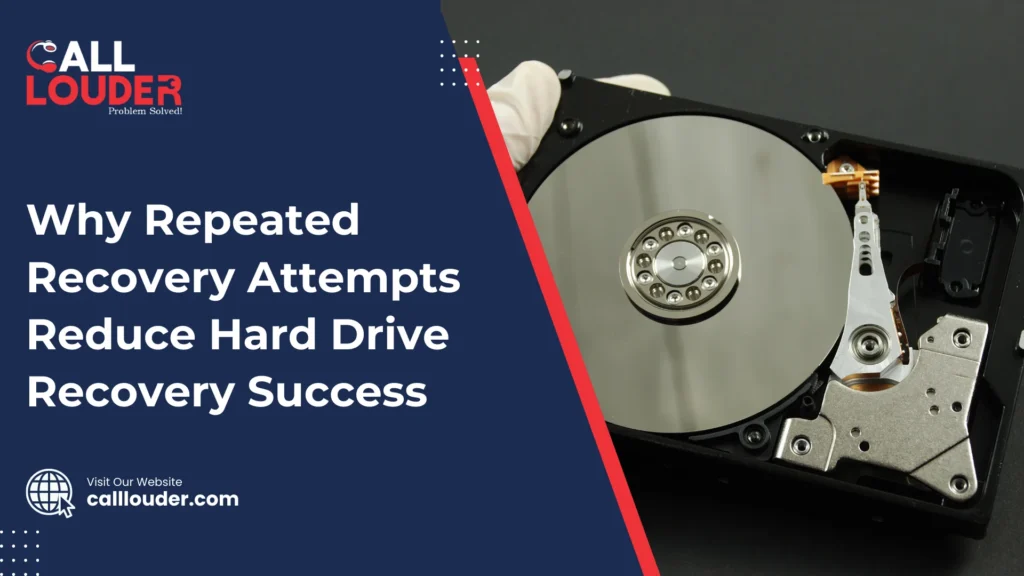
Why Repeated Recovery Attempts Reduce Hard Drive Recovery Success

A hard drive failure can feel really frustrating if you’ve lost something valuable, such as family photos, important work documents, or a school-related project. When this happens, it’s natural to panic, but most people also feel the urge to fix the problem on their own. Because of this, they often try recovery software, connect the drive to different computers, or make repeated attempts to access the files. Though these actions seem helpful at first, they can sometimes make the situation worse, thus reducing the chances of a successful recovery. Even though it makes sense to want to keep trying to recover data, the truth is that repeated recovery attempts can actually reduce your chances of a successful hard drive recovery.   Hard Drives Are Fragile Machines A hard drive is not just a storage box; it’s a complex mechanical device. Inside, there are spinning platters, read/write heads, and sensitive electronics. When a drive starts failing, these parts become delicate. Each time you power it on or try to recover files, you put extra stress on these components. Repeated attempts mean repeated stress. Even small movements or vibrations can worsen the damage. Each time you power it, you increase the risk that the read/write heads might scratch the platters, or the electronics may fail completely. If either of these things happens, files that could have been recovered may be lost forever. Data Overwriting Is a Hidden Danger Many people don’t realize that recovery tools can accidentally overwrite data. Some recovery programs create temporary files or try to reconstruct the file system. Although they are designed to help, they can sometimes write on parts of the drive where lost files are stored. Even if you are careful, running multiple recovery attempts increases the risk of overwriting. Once overwritten, your files are gone for good. Because of this, professional hard drive recovery services always try to make a clone or image of the drive first, so the original data remains untouched. Repeated DIY attempts make this cloning harder or sometimes impossible, thereby reducing recovery success. Heat and Wear Add Up Every time you power on a failing hard drive, it generates heat. Heat alone can cause damage to the delicate components inside. Each spin of the platters and movement of the read/write heads creates tiny vibrations. These vibrations would normally be negligible in a healthy drive but could adversely affect a failing drive. Repeated attempts increase wear on the drive, sometimes irreversibly. So even if the drive worked a little in the first attempt, by the third or fourth try, it may not spin up at all. Hence, repeated attempts can turn a recoverable drive into one that professionals cannot save. Why DIY Tools Aren’t Always Enough There are plenty of recovery tools available online, and many are free. Although they seem convenient, they have limits. Most consumer tools cannot handle severe physical failures or complex file system damage. Each failed attempt by a DIY tool can reduce the chance that a professional can recover your data later. Professionals have special tools, clean rooms, and techniques that can handle sensitive drives without making the problem worse. This is why stopping further attempts is so important once your first DIY try fails. The Importance of Acting Fast but Carefully It’s important to keep in mind that time is important. A hard drive that is failing can deteriorate quickly, so while repeated recovery attempts are harmful, ignoring the drive completely can also make things even worse. The best yet simple approach is to stop using the drive immediately. Don’t plug it into multiple computers, don’t run multiple recovery tools, and don’t try to copy files endlessly. Each of these actions can make recovery harder. Instead of trying to recover data from your hard drive yourself, you should reach out to a Data Recovery professional immediately. Professionals are better able to determine whether the drive has physical damage, whether data is recoverable as well as how to proceed safely. Signs You Should Stop and Seek Professional Help Here are some signs that repeated attempts could do more harm than good: If you notice any of these signs, it’s best to pause and call in an expert.  Key Takeaways Final Thoughts Recovering lost data can be very stressful at times and repeating recovery attempts often does more harm than good. If your hard drive is not functioning properly, you should immediately stop using the drive and call a data recovery professional to save your files and reduce long-term damage. The goal is not just to recover the files, but also to do so safely. Therefore, avoiding repeated attempts is one of the simplest and most important steps in hard drive recovery. FAQs

Why Repeated Recovery Attempts Reduce Hard Drive Recovery Success Read More »

ssd data recovery

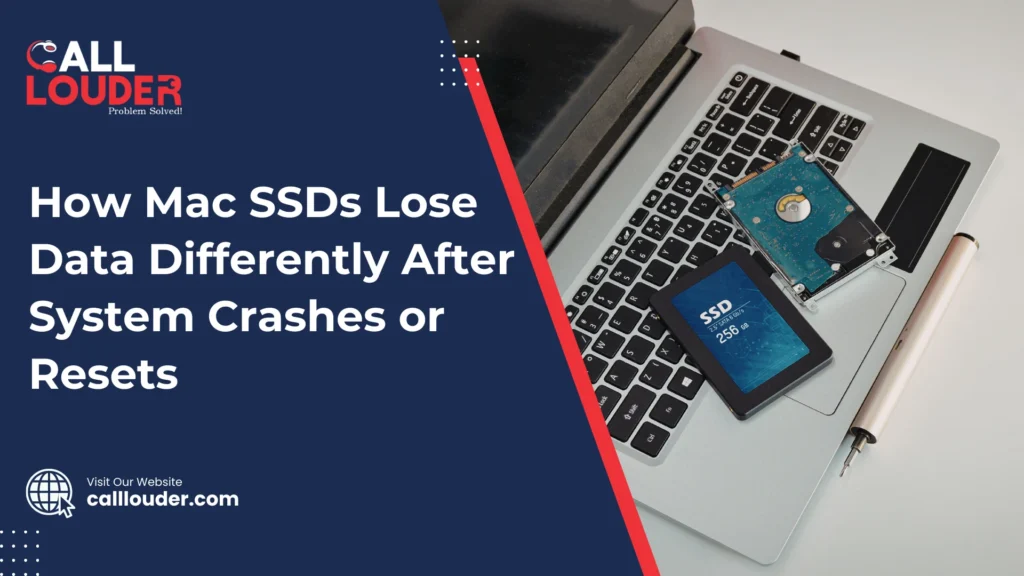
How Mac SSDs Lose Data Differently After System Crashes or Resets

When a Mac crashes or suddenly restarts, most people worry about the same thing: Did I lose my data? Sometimes everything looks fine after rebooting, but other times files are missing, apps won’t open, or documents are damaged. This happens because Macs use SSDs, and SSDs handle data loss very differently compared to older hard drives. To understand what really happens, we need to look at how SSDs work and why crashes or resets can cause problems, even though everything feels fast and modern. SSDs Are Not Like Old Hard Drives Older computers used hard drives with spinning disks inside so when something went wrong, data often stayed on the disk even if the system crashed. Most recovery tools could recover most data because the data was still physically there. Macs today use SSDs, which stand for solid-state drives. SSDs have no moving parts. They store data using memory chips instead of spinning disks. This makes them faster, quieter, and more reliable in daily use. But it also means they behave very differently when things go wrong. Because SSDs are designed for speed and efficiency, they clean up data very quickly. This is good for performance, but bad for recovering lost files. What Happens During a System Crash A system crash usually happens when macOS is busy doing something in the background. It could be saving a file, updating apps, syncing data, or writing system information. If the crash happens in the middle of this process, the file may not finish saving properly. This can cause problems like: On an SSD, unfinished data does not just sit there. The system may later decide that the broken data is useless and remove it completely. So although the file name might still appear, the real content may already be gone. Why Forced Resets Are Risky A forced reset occurs when you hold down the power button or restart the Mac suddenly because it is frozen, causing your Mac to shut off instantly, without giving the system time to finish what it was doing. When power is cut abruptly, all of the information stored temporarily can be lost. This can lead to: The TRIM Feature Makes Data Loss Permanent One big reason SSD data loss is different is something called TRIM. TRIM is a command macOS sends to the SSD to tell it which data is no longer needed. This helps the SSD stay fast and healthy. When TRIM runs, the SSD erases unused data completely. Though this is good for speed, but once data is erased by TRIM, it cannot be recovered. If macOS detects a fault or damaged file after the system has crashed or been restarted, it may mark the file as unused. In addition, TRIM may then erase them quickly. This means files that might have been recoverable on old hard drives are completely gone on SSDs. macOS Tries to Fix Things Automatically macOS is designed to protect the system first. If there is a problem with the Mac, it may try to repair the disk, fix any errors that are present, and delete anything that it considers a security risk. Although this helps keep the Mac stable, it can also remove personal files that look damaged. The system chooses safety over saving broken data. Therefore, even though the Mac boots up and works again, it is possible that some files may be lost unexpectedly. Why Data Loss Is Not Always Immediate One confusing thing about SSD data loss is that it doesn’t always show up right away. You might restart your Mac and everything seems normal. Days later, you realize a document is missing or won’t open. This happens because the file reference still exists, but the actual data was erased earlier. SSDs don’t slowly fail. When data is gone, it’s usually gone completely. Why SSD Data Is Hard to Recover With old hard drives, recovery software could scan unused space and rebuild files. SSDs don’t work like that. Because of how SSDs manage memory: This makes recovery very difficult. Once the SSD deletes something, there is often nothing left to recover. That’s why experts say you should stop using the drive immediately after data loss. Using the Mac more gives the SSD more chances to erase old data. How to Protect Your Data Since crashes and resets can happen to anyone, it is important to have a backup in place. The following are some easy-to-follow steps that help a lot: – Use Time Machine as often as possible  – Store backups on external drives or cloud storage – Avoid forced shutdowns unless absolutely necessary  – Let updates or installations complete  – Ensure you have available storage on your SSD. Backups make crashes much less scary because even if data is lost, you can restore it easily. Final Thoughts While Mac SSDs have been proven to be fast and reliable, they do have certain restrictions when it comes to data errors. After crashing or resetting a system, both the SSD and the system work together to clean up quickly. This improves performance, but it also means lost data is often gone forever. Although this sounds a bit scary, understanding how SSDs work helps you prepare. With regular backups and careful use, crashes become less stressful. FAQs

How Mac SSDs Lose Data Differently After System Crashes or Resets Read More »

sd card data recovery mac

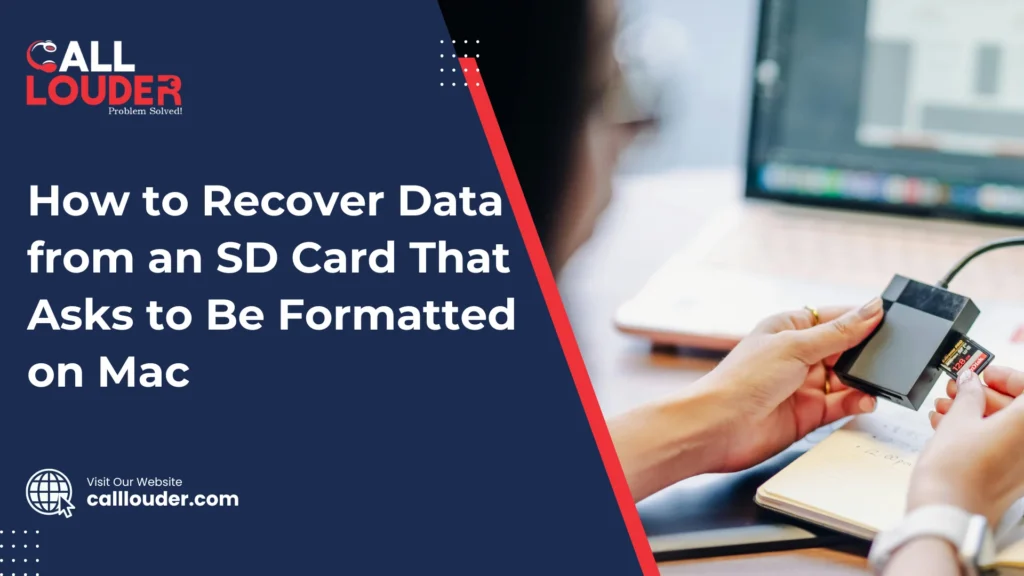
How to Recover Data from an SD Card That Asks to Be Formatted on Mac

When you receive or see the message “You need to format the disk before you can use it” when inserting an SD card into your Mac, it can be concerning. This error is very common and is usually associated with file system issues rather than data loss. This message can appear suddenly because the SD card was removed improperly, used on different devices, or became slightly corrupted. Although your Mac can’t read it properly, the data is often still there. That’s why sd card data recovery mac solutions can help before you format anything. There is no need to rush to format the card. Many times, files can be retrieved first, and then the SD card can be fixed. Following the right steps early gives you the best chance to get your data back. What Does It Mean When an SD Card Asks to Be Formatted on Mac? When your Mac asks to format an SD card, it means macOS can’t read the card properly. This usually happens because the file system is damaged or was created on another device. Although the card looks unusable, the data may still be there. In most cases, this is a logical error and not physical damage. Logical issues happen due to sudden removal, power cuts, or software glitches, while physical damage involves cracks or internal failure. Logical problems are much easier to fix with sd card data recovery mac methods. You should avoid formatting the SD card right away because formatting can erase your files. Since recovery is often possible before formatting, it’s safer to try data recovery first. Quick answer:This message means your Mac can’t read the SD card, but your data is often recoverable. Do not format it until recovery is attempted. Common Reasons an SD Card Becomes Unreadable on Mac What to Do First When Your SD Card Asks to Be Formatted If your SD card suddenly asks to be formatted, the first thing is to stop using it immediately. Writing new files can overwrite your data and make recovery very difficult. Do not click “Format” even if the Mac suggests it. f you do, all your files could be gone for the moment. Next, safely remove and reinsert the SD card into your Mac. There are times when reconnecting it the right way makes it readable. If it still doesn’t work, try a different SD card reader or port. A faulty reader can also cause the card to appear unreadable. Check SD Card Visibility in Disk Utility on Mac Open Disk Utility from Applications > Utilities to see if your SD card is detected. If it shows up, it means your Mac can see the card but may not read it correctly. After checking your file system status, if it is showing “Unreadable” or “Corrupted,” it simply means your SD card has logical errors that can often be fixed with recovery tools. Disk Utility may also show error messages like “The disk you inserted was not readable by this computer.” Such messages tell you whether the problem is with the file system or with the hardware. How to Recover Data from an SD Card on Mac Without Formatting Before doing anything else, try read-only access methods. This means you access the SD card without writing or changing any files, so your data stays safe. It’s important to do data recovery before attempting any repairs. Fixing the card or formatting it first can overwrite your files and make them more difficult or impossible to retrieve. Also keep in mind that macOS built-in tools like Disk Utility can sometimes repair a card, but they usually don’t recover lost files. They are more for fixing minor errors and not full data recovery. Using Data Recovery Software for SD Card Data Recovery on Mac Data recovery software works best when the SD card is logically damaged although the files are still there. It scans the card and can restore photos, videos, documents, and other file types. Avoid saving the recovered files back to the same SD card so you do not accidentally overwrite data. For the best results, follow recovery best practices: stop using the SD card, use a trusted recovery tool, and save recovered files to a different drive. This is the safest way to do sd card data recovery mac and get your files back. Recovering Data Using Terminal (Advanced Users) Sometimes, Terminal commands on Mac can help access an SD card that cannot be read otherwise. It can let you copy files manually when other tools fail. However, there are risks as well. One wrong command can erase your data permanently or make recovery harder. Because of this, Terminal recovery is not recommended for beginners. It’s best only for users who are comfortable with command-line tools. What If the SD Card Has Physical Damage? When the SD card is cracked, bent, or the internal memory fails, it can cause physical damage. Signs include the card not being detected at all or making unusual noises in card readers. Fixing physical damage yourself usually fails and may create further issues. In these cases, it’s important to seek professional data recovery support. Experts have the tools to safely retrieve data without further damage. Can You Format the SD Card After Data Recovery? After you have successfully recovered your files, it is safe to format the SD card. Formatting your SD card resolves any errors and lets you use it again. Make sure to choose the correct file system for Mac, usually Mac OS Extended (HFS+) or exFAT if you plan to use it with more than one device. After formatting, you can reuse the SD card, but if it had severe damage before, replacing it may be a safer option to avoid future problems. How Professional SD Card Data Recovery on Mac Helps Professional services use advanced recovery tools that access files even when the SD card seems completely unreadable. These tools are much more effective than any typical DIY methods. They

How to Recover Data from an SD Card That Asks to Be Formatted on Mac Read More »

1000+

Happy Clients

4.9+

Average Rating

12Hr

Support

100%

Success Rate

Fill the Form & Unlock Your Benefits!

Buttons Popup

Fill the Form & Unlock Your Benefits!

Buttons Popup