

If your computer has been hacked, you usually notice small but unusual changes first. Login activity you don’t recognize, a setting that has been modified, or an account that no longer works the way it normally does.
In most cases, the attacker tries to stay undetected while collecting data in the background. Early signs can include changes to your Gmail hacked recovery email or unfamiliar devices appearing in your account.
At this stage, speed is important, but the order of actions matters just as much. Incorrect steps can sometimes make recovery more difficult.
This guide explains what to do first after a suspected hack, how to secure your accounts and system, and when to involve a cybersecurity protection service, such as Call Louder, if basic recovery steps are not enough.
How to Know If Your Computer Is Actually Hacked
Not every hacked system has an immediate impact. Many continue working normally as attackers use it from behind the scenes.
According to a report by the Verizon Data Breach Investigations Report (2026), 31% of hacks utilized vulnerability exploits, whereas 13% were credential abuses.
That means attackers tend to gain access via system flaws or pilfered logins without causing anything noticeable to break.
Common indicators include:
- Unknown logins/sign-ins from unfamiliar locations
- Passwords are suddenly not working as expected
- Browser settings or homepage changing without you doing anything
- New software, apps, or extensions appearing out of nowhere
- Emails or messages sent that you didn’t know about
- Security tools are being disabled or acting strangely
- Your PC is running slowly for no apparent reason
- Frequent redirects, pop-ups, or other unusual network activity
If you see several of these signs at once, treat your system as having been infected and take immediate steps before trying to restore or change anything on your system.
First Actions You Should Take Immediately (First 10–15 Minutes)
This part matters more than anything else. People tend to panic and start clicking on random fixes, which often makes things worse instead of better. Do this first:
- Disconnect the WiFi or unplug the Ethernet cable
- Stop using the affected device to log into anything
- Don’t try multiple password resets from the same system
- Avoid downloading “cleanup” tools from unknown websites
- Note down anything unusual you’ve noticed
The goal here isn’t to fix the problem right away. It’s to stop further access. Once the system is isolated, you can move into recovery without making things worse.
Secure Your Accounts Before Anything Else
Most hacks aren’t really about the computer. They’re about the accounts connected to it. Start with your main email account. Change your passwords from a clean device, not the one that was affected. Then:
- Update passwords for every important account
- Turn on two-factor authentication right away
- Review active sessions and sign out of any device you don’t recognize
- Check your recovery settings carefully
One issue that comes up often at this stage is a change to your Gmail hacked recovery email, where the attacker swaps the recovery email so they stay in control even after you reset your password.
If that has happened, go through Google’s official account recovery process before changing anything else. Don’t rush this part. Account security is the foundation on which everything else depends.
How to Identify Malware and Unauthorized Access on Your Device
Once your accounts are under control, turn your attention back to the system itself. Start with the basics:
- Run a full antivirus scan, not just a quick scan
- Look for any programs that were installed recently and don’t look familiar
- Get rid of browser extensions you don’t recognize
- Check your startup programs for anything unfamiliar
- Reset your browser settings if you’re seeing redirects
If the system keeps behaving strangely, boot up in safe mode- that will often make it easier to see what’s going on. Some threats don’t show up right away in a normal scan. If the same symptoms keep coming back, don’t ignore them.
DIY Recovery vs Professional Help
Every hack is different. Some are simple credential leaks. Others involve deeper access to the system.
| Factor | DIY Recovery | Professional Help (Cybersecurity Protection Service) |
| Speed | Depends on the user | Faster, structured process |
| Accuracy | Limited detection | Deep system analysis |
| Risk of mistakes | Higher | Low |
| Account recovery | Manual steps | Guided recovery support |
| Malware removal | Basic tools | Advanced cleanup methods |
When there are problems with several accounts or when the system continues to have issues even after performing the cleanup operation, it would be better to rely on the cybersecurity protection service.
When You Should Seek Expert Help
There are situations where it’s not a good idea to keep handling this alone:
- You can’t access your email or recovery options
- Unknown transactions show up in financial accounts
- Malware keeps coming back after you’ve removed it
- Multiple devices show suspicious activity
- The system seems fine, but accounts keep getting accessed anyway
In these cases, the problem is usually bigger than it looks on the surface.
How Call Louder Helps in Hack Recovery
When the basic steps aren’t enough, Call Louder provides structured help for hacked systems and accounts. Our support typically includes:
- Remote checking of system activity and access points
- Identifying hidden malware or sessions you didn’t authorize
- Helping restore account access safely
- Securing email and recovery settings properly
- Cleaning and stabilizing the system so the same thing doesn’t happen again
If something has been changed in critical settings like your Gmail hacked recovery email, professional recovery support matters even more, since manual fixes often miss the hidden access points attackers leave behind.
Our goal isn’t just to remove the immediate problem. It’s making sure it doesn’t come back.
How to Prevent Future Hacks
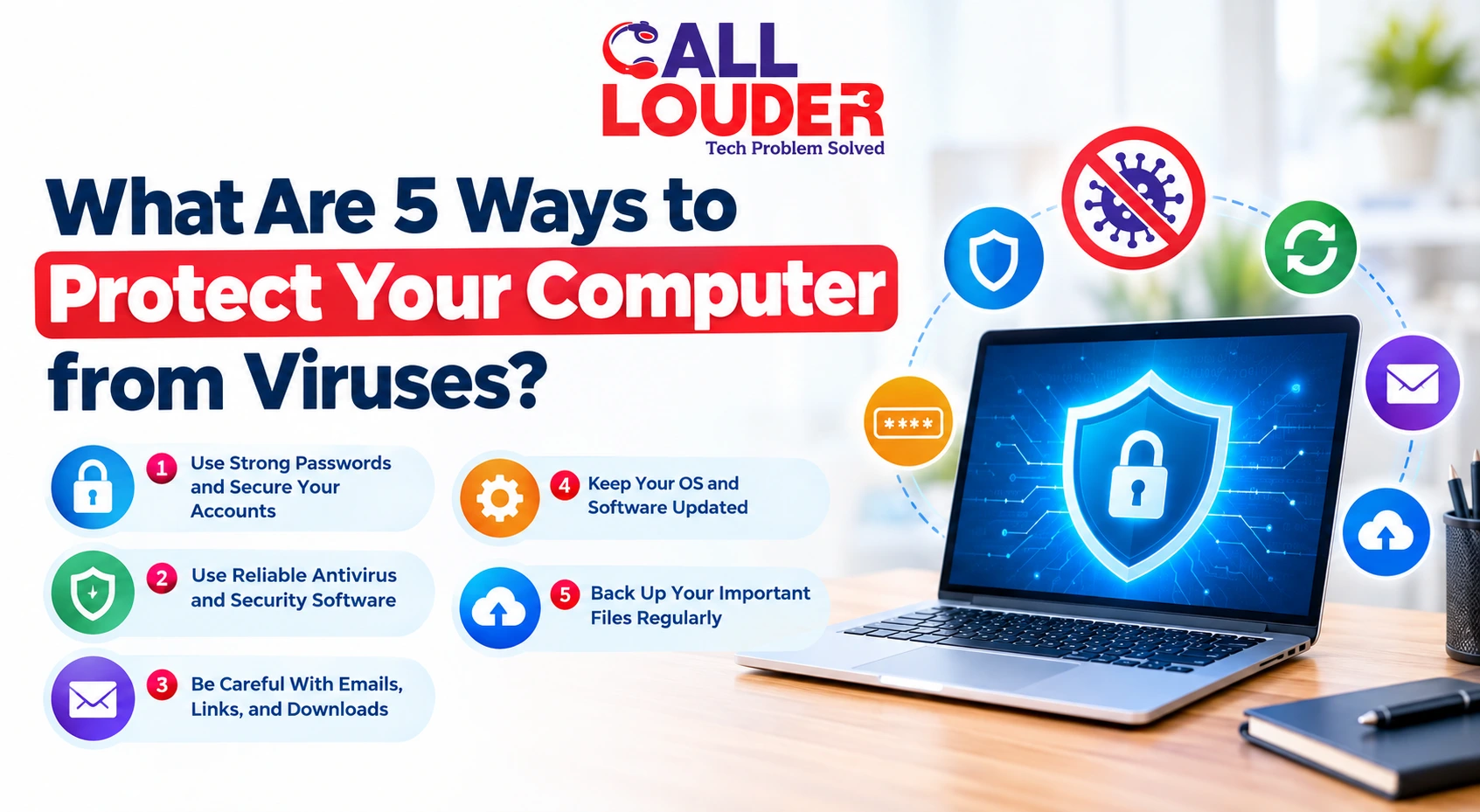
Once the issue is resolved, prevention deserves real attention. A few simple but important steps:
- Use a unique password for every account
- Turn on two-factor authentication wherever it’s available
- Must avoid clicking unknown links in emails or messages
- Keep your software and operating system updated
- Don’t install extensions or tools you haven’t verified
Most repeat attacks happen because the original entry point was never fully closed off. A reliable cybersecurity protection service can also help set up stronger long-term protection if that’s something you need.
What You Should Remember After a Hack
A hacked computer isn’t something to ignore or rush through. How you respond in the first hour decides how much control you get back. Acting in the right order matters more than acting fast without one.
If you notice signs related to a Gmail hacked recovery email change or any suspicious account activity, treat it as a serious security incident and follow structured steps instead of trying random fixes.
FAQs
1. What should I do immediately after my computer is hacked?
Disconnect from the internet first (and stop using the device), then secure your main email from a different device. If needed, we can help!
2. Can I recover my Gmail if it’s hacked using the Gmail hacked recovery email?
Yes, if your recovery email is still intact. If it’s been changed, recovery has to go through Google’s official process. Call Louder can help guide you through that safely.
3. Do I really need a cybersecurity protection service in case of small hacks?
Not necessarily, but when several accounts and/or devices have been compromised, a cybersecurity protection service will help guarantee that the cleanup has been fully performed, not half-done.
4. How does Call Louder assist in the hacked computer cases?
We help with system diagnosis, malware removal guidance, account recovery support, and securing devices so you don’t get stuck in this situation again.