

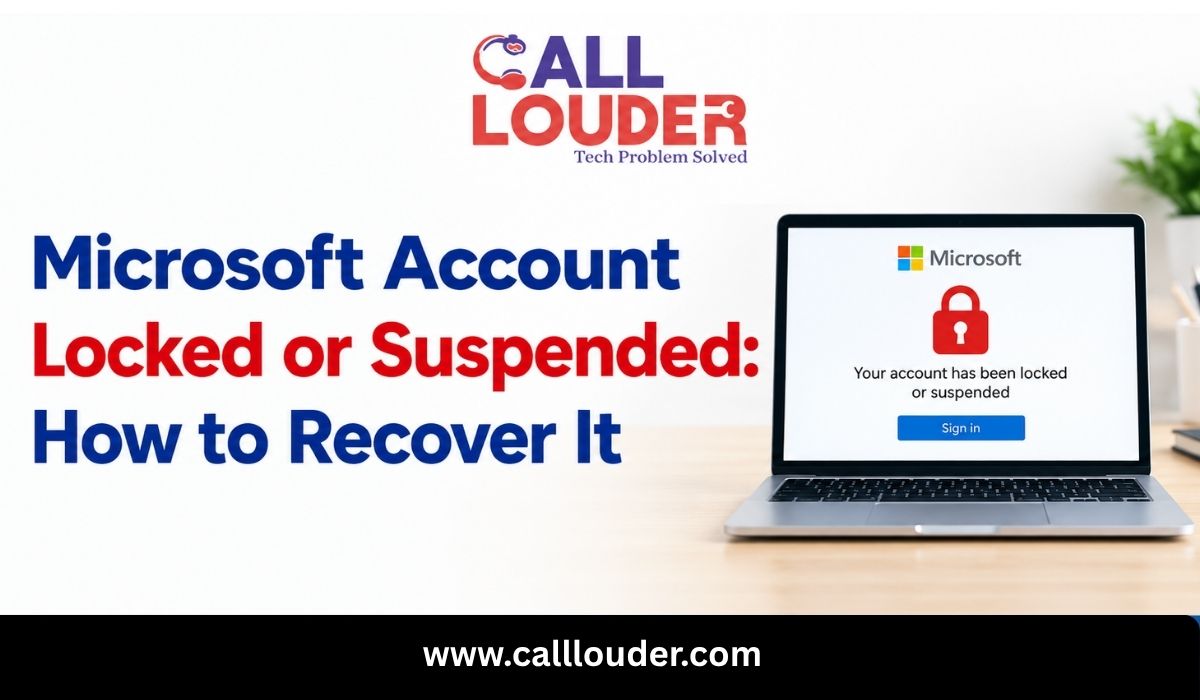
A locked Microsoft account and a suspended one look much the same when you try to sign in. The recovery process often isn’t the same. A lock usually means verifying who you are. A suspension can mean filing a reinstatement request.
Choose the wrong approach and you waste time, particularly when your recovery phone or email is out of reach. So read the message first. It decides which method you use to get back into Outlook and the other Microsoft services tied to the account.
Why Is Your Microsoft Account Locked or Suspended?
Microsoft limits user accounts when it detects suspicious behavior or violation of its terms of service.
Some of these behaviors may be:
- Strange login behavior: This may include logins from a new computer or location.
- Failed password attempts: If you enter the wrong password several times in a row, restrictions might be applied.
- Suspicious behavior: This includes spamming, phishing, and other malicious activities.
- Violation of terms of service: Some behaviors result in a formal review.
A Microsoft account locked message does not mean your account has been permanently deleted. A Microsoft account suspended notice may need a different route.
How to Tell Whether Your Microsoft Account Is Locked or Suspended
Look at the wording on the sign-in screen. A temporary lock tends to ask for identity verification or a security code. A suspension notice usually points you to an appeal or reinstatement process.
Seeing your account has been locked Outlook? Check whether the screen offers an unlock or verification option, and use it. Typing your password again and again won’t help.
No standard options on screen? Try Microsoft’s official Sign-in Helper. It points you to the right recovery steps.
How to Recover a Locked Microsoft Account
Here’s how to gain access again:
- Visit sign-in page of Microsoft: Provide account information and follow the instructions provided.
- Finish verification: Verify your identity via phone number or secondary email if necessary.
- Use the sign-in assistant: Follow the instructions provided if the normal unlock method fails.
- Avoid repeated code requests: Codes not showing up? Check your contact details and try a different method.
Sometimes Microsoft sends you to a reinstatement process. Follow that instead. A suspended account usually needs a review, and a simple unlock won’t fix it.
How to Recover a Suspended Microsoft Account
Access often comes back only after Microsoft reviews the account. Changing the password on its own may not lift the restriction.
Read the suspension notice and do what its reinstatement or appeal instructions say. Fill in the requested information accurately. After that, keep an eye on your contact email for a reply, spam folder included.
Don’t send request after request without rereading the first set of instructions. An appeal isn’t a guarantee. Microsoft decides after its review, and the reason for the restriction counts.
How to Recover a Microsoft Account Without a Phone Number
Without your registered phone number, recovery is harder. Depending on your account settings, you may still have other options.
- Use an alternate email: Choose it if Microsoft offers it, and you can access that address.
- Try a familiar device: A device or location you’ve used before can help with some security checks. It won’t skip verification.
- Complete the recovery form: If you qualify, give accurate details, like previous passwords and how you used the account.
- Check other security methods: Use any other verification option you’ve set up, following Microsoft’s instructions.
For Microsoft account recovery without phone number, begin with Microsoft’s official account recovery guidance.
Two-step verification is on, and no access to any verification method? Then the recovery form may not be enough for Microsoft to restore the account.
What to Do If Microsoft Account Recovery Fails
Before another attempt, make sure you typed the correct account address and gave accurate information. Add in every detail you can remember, old passwords or email subject lines.
Check Microsoft’s Sign-in Helper to see if a different recovery route applies. Follow whatever it says about when you can retry.
Watch out for services that promise guaranteed access. Never hand your password or verification codes to a provider you haven’t verified.
When Should You Seek Professional Email Recovery Support?
Outside help can be useful when you can’t get to your recovery email, or when the official process is hard to follow.
An email recovery service or password recovery service can help sort out sign-in problems and gather the information a recovery request needs. For lost email recovery, a provider may also help you look at what’s possible.
Check a provider’s capabilities and privacy practices before you pick email recovery support. Call Louder can help users look into email access problems and understand the troubleshooting steps that might apply.
Still, no outside service can promise that Microsoft will unlock or reinstate an account. Microsoft’s security requirements apply regardless.
Frequently Asked Questions
How long does it take to recover a locked Microsoft account?
It varies with the restriction and the verification involved. A standard unlock is often quicker than a suspension review or a recovery request.
Can I recover my Microsoft account without my phone number?
Possibly. An alternate email or another configured verification method may work. If you’ve lost every method, recovery may not be possible.
Why does Outlook say my account has been locked?
Microsoft account activity may be suspicious or there may be a series of invalid login attempts. Follow the directions on the device screen to rectify this or consult the Sign-in Helper by Microsoft.
Can Microsoft put my account on hold forever?
There are certain types of restrictions that may not be reversible. Look into Microsoft’s reinstatement guidance to find out which options you may still have.
What happens if my request to recover my account is rejected by Microsoft?
Review your data for errors. Follow Microsoft’s instructions to verify your actions. If you have the option, try again. If your account has been suspended, you will need to use the appropriate appeal process.