

A computer virus does not necessarily start with a message popping up on your screen informing you about its presence through your antivirus software. Instead, you can spot a virus by observing slight changes that you may have been ignoring. These include a slow computer boot-up process, a web browser setting that changes overnight, or an application that you never installed yourself.
The good news is that many common threats can be removed if you approach the process carefully. The key is knowing what steps to take first, what actions to avoid, and when a virus has gone beyond a simple DIY fix. This guide clarifies how to remove virus from computer, from identifying the problem to cleaning your system and reducing the chances of another virus.
What Are the Signs Your Computer Has a Virus?
A virus doesn’t always make your computer unusable straight away. Many viruses run in the background and are noticeable from subtle changes in performance or behavior that are easily ignored.
Red flags that commonly arise:
- Your PC is slower than usual or begins to freeze often.
- Applications open or shut down by themselves for no apparent reason.
- There are continuous pop-up ads that you have not encountered before.
- Your web browser redirects you to other sites without your consent.
- Strange new software appears without you downloading anything.
- There are frequent antivirus warnings.
- Certain files disappear, change names, or become unavailable.
One strange occurrence does not necessarily mean you are infected with a virus. But several of these showing up together is usually a sign something needs to be dealt with.
What Should You Do Before Removing a Virus?
Don’t just start clicking through random fixes. Taking a few precautions first can stop things from getting worse and protect data you don’t want to lose.
Disconnect From the Internet
Take the computer off Wi-Fi or unplug the network cable. Some malware is actively communicating with external servers- sending information out, downloading more threats, or spreading to other devices on the same network.
Avoid Logging Into Important Accounts
Don’t touch banking, email, or work accounts until the system is cleaned up. Certain viruses are specifically designed to capture passwords or monitor what you’re doing online.
Back Up Important Files Carefully
If your files are still accessible, back up documents, photos, and anything else that matters. Just be careful not to copy across anything unfamiliar or suspicious- the virus could be hiding in files you don’t recognize.
How to Remove a Virus from Your Computer Step by Step
Once the basics are covered, you can get into the actual removal process.
1. Start Your Computer in Safe Mode
Safe Mode boots only the critical software that your computer requires, making it extremely difficult for the majority of viruses to remain operational. This allows you to have an easier time cleaning up when you scan and delete files.
2. Run a Full Antivirus or Malware Scan
Use a security program you actually trust and run a full system scan. A full scan covers more ground and is far more likely to catch what’s there. And avoid downloading virus removal tools from pop-up ads. A lot of those are the problem, not the solution.
3. Remove Suspicious Applications
Review all the newly installed applications and remove everything that looks unfamiliar. Malware usually rides along with free software installations, false upgrade warnings, or applications that seem trustworthy when they were not.
Be sure to check your browser extensions because there are plenty of harmful extensions out there.
4. Clean Temporary Files
Temporary folders may contain files left by malicious programs or just take up space unnecessarily. Clearing them out can also speed up future scans.
5. Update Your Operating System and Software
Once you’re confident the virus is gone, get all your updates installed- operating system, browser, security software, everything. A lot of viruses get in specifically because something wasn’t up to date.
Can You Remove a Virus Without Professional Help?
Sometimes yes. Adware, browser hijackers, and unwanted programs are often manageable with the right tools and patience.
However, there are some viruses that are a whole different ball game.
It would be helpful to seek professional help if:
- There is recurrence of the virus despite the fact that you have removed it
- The files are either encrypted or inaccessible
- It is a computer used in business operations
- There is risk that personal data has been exposed
- Professional security software cannot complete the process of removal
Being aware when to give up on your efforts can help to avoid turning a small problem into a big issue.
Why Do Some Computer Viruses Keep Coming Back?
Getting rid of the obvious symptoms doesn’t always mean the virus is actually gone.
Reasons a virus might return:
- A hidden malicious file is still sitting on the system
- An infected browser extension wasn’t caught and removed
- Outdated software is leaving the same door open
- A compromised password is letting attackers back in
- The original infected file was downloaded again
Proper cleanup means finding out how it got in, not just dealing with what you can see.
How Can You Prevent Future Viruses?
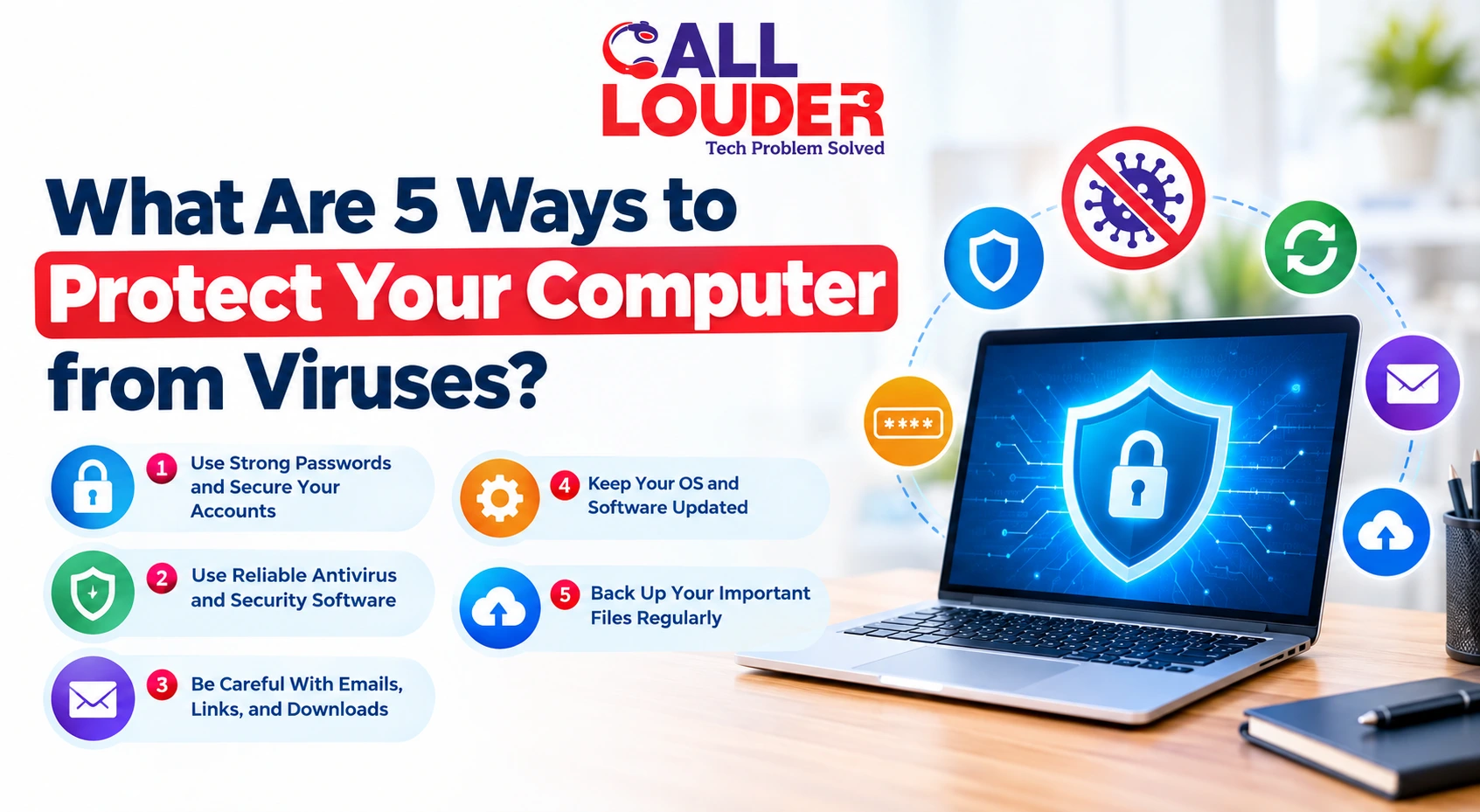
Once the computer is clean, a few straightforward habits make a real difference:
- Keep the operating system and software updated
- Use reliable antivirus protection and keep it active
- Don’t open email attachments from sources you don’t recognize
- Download programs only from sources you actually trust
- Use strong, unique passwords across different accounts
- Back up important files regularly
If viruses keep happening despite all of that, searching for computer security services near me is worth doing- some situations genuinely need professional eyes on them.
When Should You Look for Professional Computer Security Support?
If malware has gone after important files, damaged system settings, or keeps showing up after multiple removal attempts, getting expert help saves time and prevents things from getting worse.
Call Louder works with individuals and businesses dealing with more complex security issues- assessing what’s actually going on, identifying risks that aren’t immediately obvious, and recommending solutions that actually address the problem. If you’re searching for a computer repair service near me, professional support gets you to a resolution a lot faster for your how to remove virus from computer concern than working through it alone.
FAQs
How long does it take to remove a virus from a computer?
It depends on the virus type, how much data is on the device, and whether anything else needs fixing along the way. A straightforward malware scan might take under an hour. A more complex virus can take considerably longer.
Can I remove virus from my computer myself?
For common viruses, absolutely. Safe mode, anti-virus programs, and a cautious manual removal process can work for that purpose. However, when it comes to more sophisticated malware, professional assistance may be necessary.
Can a virus damage my files permanently?
Some can delete, encrypt, or corrupt files. Regular backups are the best protection against that kind of damage.
Can Call Louder help remove a computer virus?
Yes. Call Louder handles virus removal, system security issues, and situations where standard removal methods haven't worked.