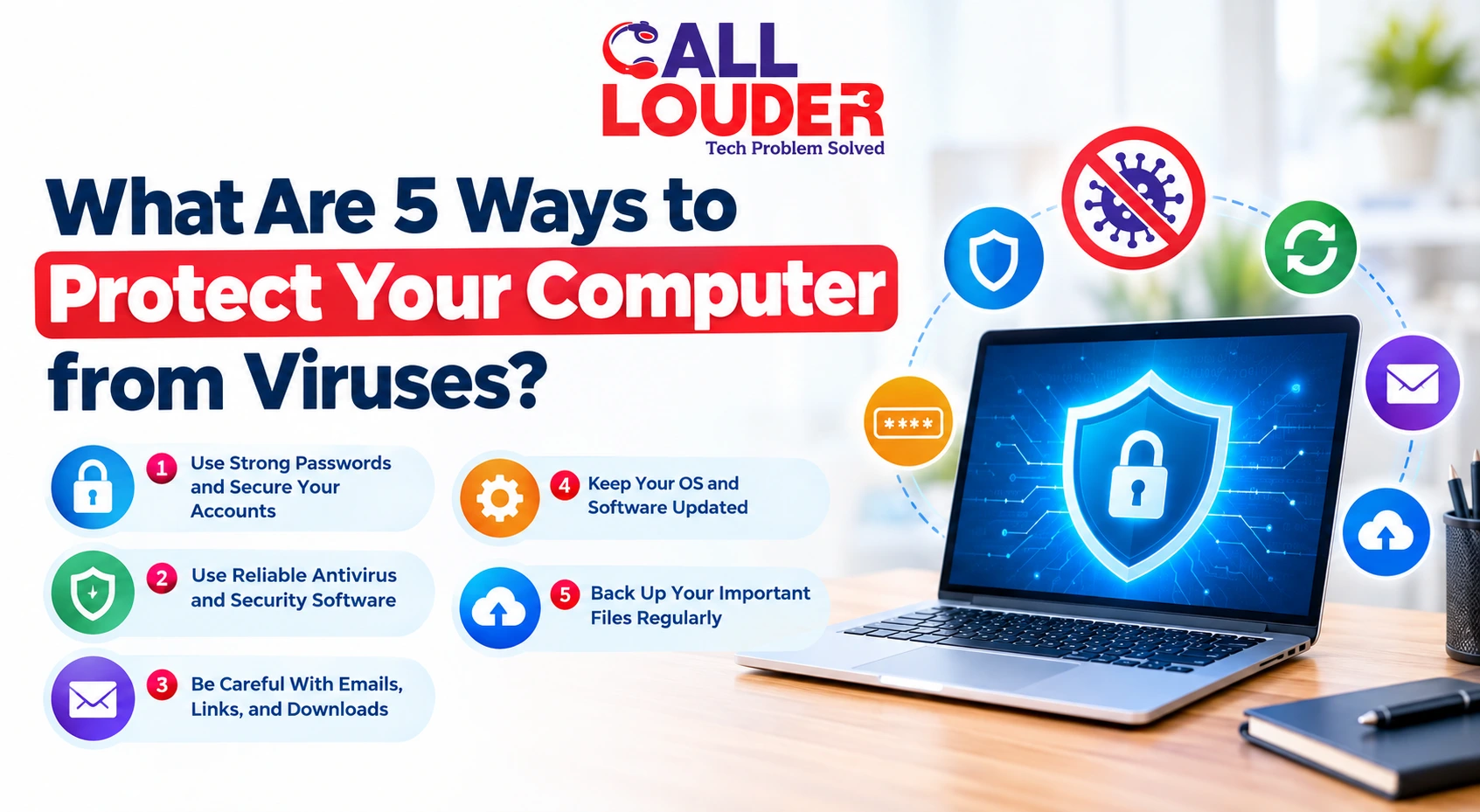
Cyber threats have accelerated in 2026 at an unprecedented rate and they are not just targeting big companies but also everyday people. Many home users think they are not important enough to be hacked, but this is not at all true because attackers often see regular users as their easy targets. Every day, users make simple mistakes, such as weak passwords or clicking on unknown links, that can result in major consequences.
Since most of our daily life is online, for example, banking, shopping, and working, protecting our digital space has become very important. Although technology makes life a lot easier, it also creates more chances for cyber risks at the same time. As a result, adherence to basic cybersecurity tips and guidelines is now not just optional; it has become an absolute requirement.
Why Cybersecurity Matters for Home Users
Cybersecurity is important for home users because online threats are increasing every day. Criminal hackers are using smarter ways to attack, such as phishing emails, fake websites, and ransomware. Although these attacks may seem simple, they are capable of causing severe harm to users since they often trick users into giving away sensitive information.
Another reason is the rise of smart devices. Smart TVs, cameras, and voice assistants are found in many homes. The devices are undoubtedly making life easier, but they are also adding to risk because they are connected to the internet. Unless secured, they may serve as points of entry by hackers. Thus, even a small device can lead to a bigger security issue.
Financial loss is also a major concern. Banking information or personal details can be stolen by cybercriminals, and it may result in identity theft. This implies that another person might use your identity to commit fraud. Therefore, it is not only about your privacy but also about your money and safety.
Since cyber threats are becoming more advanced, being proactive is very important. Waiting until something goes wrong is risky because recovery can be difficult as well as expensive. This is the reason why many people now use online tech assistance or even explore services like What Is Remote IT Support and How Does It Work to better secure their systems, especially if they work remotely. These services, along with Managed IT services, help monitor and protect systems regularly.
Cybersecurity is, therefore, relevant as it ensures that your online life is secure, safe, and stress-free, even though technology keeps evolving.
10 Cybersecurity Tips to Protect Your PC from Hackers
1. Use Strong and Unique Passwords
You should always use strong passwords, as it is easy to guess simple passwords such as “123456.” Also, do not use the same password everywhere, as one leak can affect all your accounts. Therefore, a password manager can assist in creating and storing secure passwords easily.
2. Enable Two-Factor Authentication (2FA)
Two-factor authentication is an added security measure because it asks for a second step like a code on your phone. This might seem like an additional step, but it greatly reduces risk. Hence, enable it for email, banking, and social media accounts.
3. Keep Your Software Updated
The reason why updates are essential is that they correct security issues. When you take long to update, hackers will take advantage and exploit the loopholes to compromise your system. So, make sure that you update your operating system, applications, and antivirus software.
Quick Fix: Turn on automatic updates so you don’t forget.
4. Install Reliable Antivirus and Firewall
A good antivirus protects your system in real time, while a firewall blocks unsafe connections. Since threats are always evolving, having both is necessary. This is where Remote IT Support or Managed IT services can also help you set things up correctly.
5. Avoid Clicking Suspicious Links
Never press on links that you do not know, as they might direct you to fake websites or phishing scams. Hackers usually send emails that appear authentic, but they are intended to steal your information.
Caution: They can imitate reputable brands, so always check twice before clicking.
6. Secure Your WiFi Network (Safe WiFi Setup)
Change your router’s default password, because hackers can guess your password easily. Also, use WPA3 encryption for better security and and conceal your network name as much as possible.
Tip: Never use public WiFi without protection, since it is often unsafe.
7. Backup Your Data Regularly
Always keep backups of your important files, since information can be lost at any time. Use both cloud storage and an external drive. You can also learn more about secure backup strategies in our guide on Different Types of Data Backup and How Do They Work.
8. Use a VPN on Public Networks
A VPN ensures your web activity is secure by encrypting your data. This is important in case of using public WiFi, as others may try to access your information. Therefore, a VPN keeps your data private and secure.
9. Monitor Your Accounts for Suspicious Activity
Monitor your bank and online accounts; if something is not right or unusual, it can be an early sign. Turn on alerts and login notifications so you know if something is wrong. Thus, you can act quickly before damage happens.
10. Educate Yourself with an Online Security Guide
Be aware of the emerging cyber threats, because awareness can help you avoid mistakes. Even though technology continues to evolve, basic knowledge can keep you safe. Virtual IT help or Online tech assistance is another way to learn and stay updated.
Common Cybersecurity Mistakes to Avoid
- Using the same password everywhere is risky because once one account has been hacked, other accounts can be accessed as well. Therefore, one should have different passwords for different accounts.
- Neglecting software updates is a frequent error; updates are crucial because they fix security vulnerabilities. Therefore, updating your system assists in avoiding new threats.
- Downloading files or apps from unknown sources can be dangerous because they may contain hidden malware that is not easily detectable. So, downloads should be made exclusively from reliable sites and legitimate stores.
- Not securing your WiFi network can expose your internet to hackers, since default settings are easy to break. Therefore, it is highly recommended to change your router password and use right security settings.
How to Protect Your Home Network (Step-by-Step Guide)
Step 1: Change Default Router Settings
Start by changing the default username and password of your router, since it is easy for hackers to guess. Therefore, it is safer to have your own secure login to your network
Step 2: Enable Network Encryption
You should always make sure that your network is encrypted, as this will protect your data from being seen by others. WPA3 is the best option, although WPA2 is also acceptable if WPA3 is not available.
Step 3: Set Strong WiFi Password
Use a strong and unique WiFi password, because weak passwords can be cracked easily. Hence, combine letters, numbers, and symbols for better security.
Step 4: Update Router Firmware
Make sure that your router software is up to date, since updates not only fix security issues but also enhance performance. This step is very important, though most people overlook this.
Step 5: Disable Remote Access
Turn off remote access to your router, as it can allow outsiders to control your network. Thus, disabling it reduces the risk of unauthorized access.
Signs Your PC May Be Hacked
- You are not running heavy programs, but your PC is incredibly slow, which may mean malware is running in the background.
- Unknown apps or programs appear on your system, because hackers may install them without your knowledge.
- You start seeing too many pop-ups and ads, even when you are not browsing, which can be a sign of infection.
- You notice suspicious login activity, e.g., warning messages from unknown locations, as somebody else is attempting to access your accounts.
When to Seek Professional Help
If your system has a serious malware infection, a data breach, or gets locked by ransomware, you should consider professional assistance since these problems can quickly get worse. Moreover, if you are unable to recover important files, expert support becomes necessary, even after following basic cybersecurity tips.
In case you do not know what to do, getting expert help can save time and prevent further damage. Get fast, reliable assistance with Call Louder and keep your system secure, optimized, and protected without any hassle.
Frequently Asked Questions
1. How can I tell if my computer is hacked?
You can tell if your computer is hacked if it runs very slowly, shows unknown apps, pops up unexpected ads, or has strange login alerts.
2. Do I really need antivirus software at home?
Yes, you need antivirus software at home because it helps protect your computer from malware and hackers, even if you usually browse safely.
3. Is using public WiFi safe?
Using public WiFi is not completely safe because hackers can intercept your data, so it is better to use a VPN or avoid doing sensitive tasks.
4. How often should I update my software?
You should update your software as soon as updates are available because updates fix security holes and keep your system protected.
5. What should I do if I accidentally click a suspicious link?
If you accidentally click a suspicious link, disconnect from the internet, run a full antivirus scan, and change your passwords to prevent further problems.