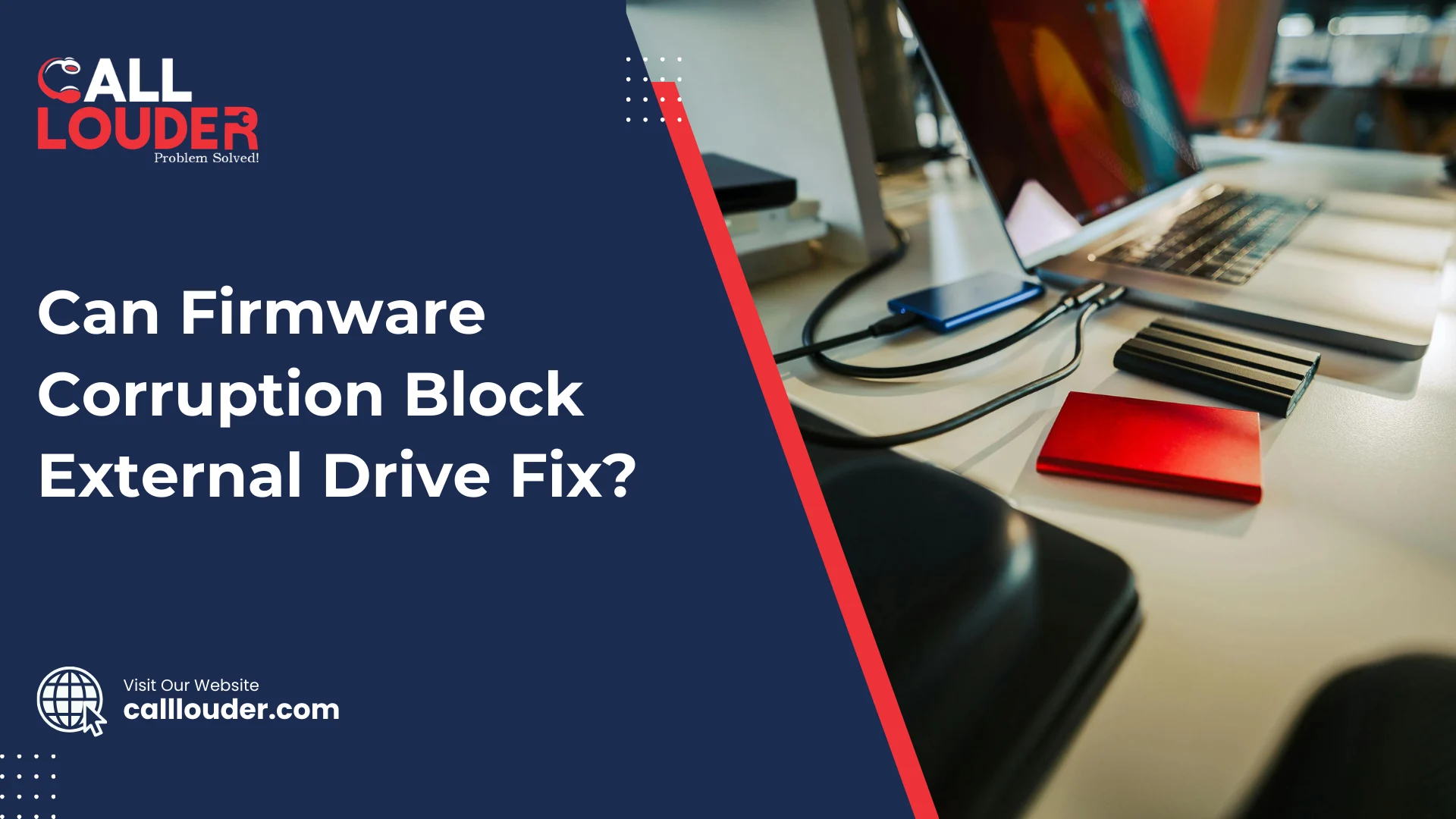
Yes, firmware corruption can block an external drive fix. Although many people think an external hard drive stops working because of simple file errors, sometimes the real problem is actually deeper. The issue may not be with your files at all, but with the drive’s internal system called firmware.
What Is Firmware in an External Drive?
Firmware is a small built-in program inside your external hard drive. It tells the drive how to work. It controls how the drive starts, how it connects to your computer, and how it reads and writes data.
The firmware acts like the brain behind the drive, and even though you cannot see it at all, the drive depends on it to function properly. Since firmware manages important tasks, it could result in your drive failing to operate normally.
What Does Firmware Corruption Mean?
Firmware corruption means that this internal program has become damaged or broken. Because of this damage, the drive may not work the way it should.
This can happen for several reasons, such as:
- Sudden power cuts
- Removing the drive without safely ejecting it
- Virus or malware attacks
- Electrical surges
- Internal hardware failure
Although the drive may still turn on and show a light, it may not connect properly to your computer. Since the firmware controls communication, corruption can completely block access to your files.
How Firmware Corruption Can Block an External Drive Fix
When firmware is damaged, normal fixing methods usually do not work. Here’s how it can create problems:
1. The Drive Is Not Detected
You plug in the drive, but your computer does not see it. Although the USB port and cable are fine, the system shows nothing. This happens because the firmware is not allowing the drive to introduce itself correctly to the computer.
Since the computer cannot recognize the drive, you cannot access your files or run repair tools.
2. Wrong Storage Size Is Shown
Sometimes the drive appears, but it shows the wrong capacity. For example, a 1TB drive may show as 0GB or a very small size. This happens because firmware is responsible for reporting the drive’s details.
Although your data may still be there, the system cannot read the correct information. Thus, the drive becomes unusable.
3. Drive Keeps Connecting and Disconnecting
In some cases, the drive connects for a few seconds and then disconnects again. Although you may think the cable is loose, the real issue may be firmware instability.
Since firmware manages communication, corruption can cause unstable connections.
4. Recovery Software Fails
You can use the data recovery software, but it will not be able to scan the drive. This is so since majority of the recovery tools require the drive to be properly detected first. When access is blocked because of firmware corruption, the software can do nothing.
Even though the files are still physically stored on the drive, the system is unable to access them.
Can You Fix Firmware Corruption at Home?
In most cases, firmware problems are not easy to fix at home. Unlike deleted files or simple formatting issues, firmware is stored in a special hidden area of the drive.
Due to this, regular repair tools will not be effective. Although there are many videos available online that demonstrate how to do a basic update/ quick tricks, you will have problems when they fail. If done incorrectly, they may cause permanent data loss.
Others attempt to open the drive in the hope that it will come to their rescue. This is however, not advisable. External hard drives are very sensitive. Dust or small particles can damage internal parts easily.
Therefore, firmware repair usually requires special tools and technical knowledge. If you want a safe and reliable solution, it is best to connect with a professional data recovery specialist instead of trying to fix it at home.
Is the Data Lost Forever?
Not always. In most instances the actual data stored on the drive is still safe. The thing about this is that the corrupted firmware is blocking access to it.
Since firmware acts like a gatekeeper, fixing it can sometimes regain 100% access to your files. However, this must be done carefully. Repeated failed attempts can make the situation worse.
If the data is very important, professional help is often the safest option.
Signs That Firmware Might Be the Problem
Some symptoms of firmware corruption include:
- The drive powers on but is not detected
- The storage size shows incorrectly
- Drive was functioning prior to a sudden power loss
- Drive connects/disconnects frequently
- Recovery software cannot read the drive
While other signs can also point to other problems, firmware corruption is a common cause for many of these problems.
What Should You Do If You Suspect Firmware Corruption?
If you think firmware corruption is blocking your external drive fix, here are some simple steps you can try:
- Stop using the drive immediately.
- Do not format the drive.
- Avoid running too many repair tools repeatedly.
- Do not open the drive yourself.
- Consider professional diagnosis if the data is important.
Because the more you experiment, the higher the risk of making things worse.
Final Thoughts
So, can firmware corruption block an external drive fix? Yes, it absolutely can. Since firmware controls how the drive works and communicates, any corruption in it can stop normal repair methods from working.
Even if the external drive appears to be in good condition, the internal damage can prevent access to your data. On the plus side, however, your files may still be safe. However, accessing them requires careful handling.
If the data is valuable, it is best to avoid risky DIY methods. While simple problems can sometimes be fixed at home, firmware corruption is usually much more serious. So taking the right steps early on can increase the chances of recovery as well as prevent permanent loss.
FAQs
Yes, firmware corruption can prevent the drive from being detected or accessed, even if the hardware looks fine.
Not always. The files may still be safe, but corrupted firmware can block access until it’s properly fixed.
Usually not. Firmware repair requires special tools and technical knowledge, and DIY attempts can worsen the problem.
The drive may not be detected, show the wrong size, disconnect frequently, or fail to work with recovery software.
If your data is important or the drive shows any symptoms of firmware issues, professional help is the safest way to recover files.