

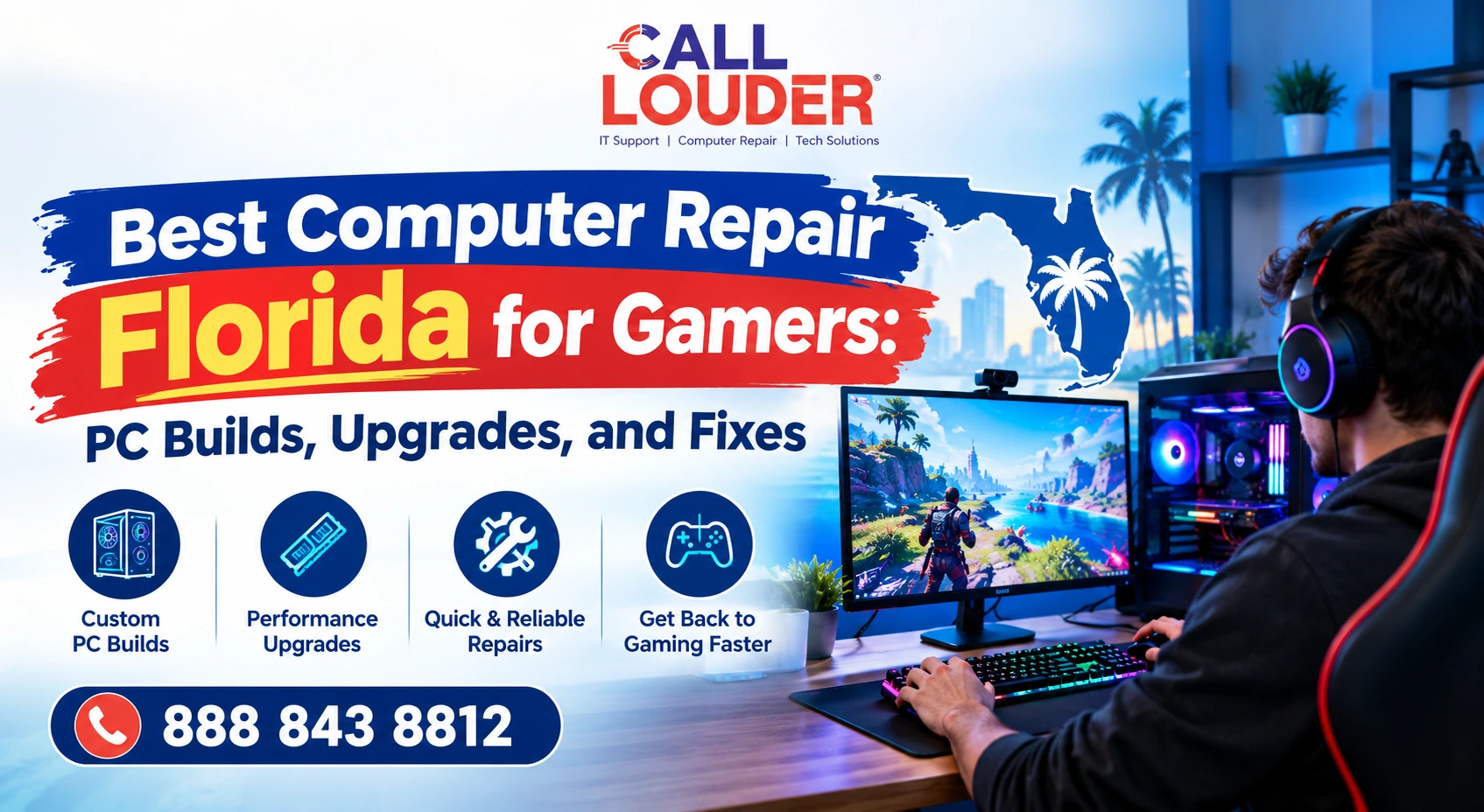
A gaming PC can be expensive, but that doesn’t mean every performance problem needs an expensive solution.
The difference between an irritating experience and an easy one can depend on a particular element, an overheating problem, or even the wrong settings. This is where the choice of the best computer repair Florida service helps, especially if you want professional but understandable advice.
Why Do Gamers Need Specialized Computer Repair?
Gaming computers are built differently from typical home or office systems. More powerful processors, dedicated graphics cards, fast memory, many hard drives, sophisticated cooling systems – they all create even more opportunities for failure.
A problem with one component affects the entire experience. Overheating causes throttling and drops FPS. A graphics driver problem causes crashes or display glitches. A technician who understands gaming systems looks at the system as a whole rather than just dealing with one individual problem at a time.
What Computer Problems Commonly Affect Gaming PCs?
Some problems show up repeatedly across gaming computers. Symptoms can overlap, so proper diagnosis matters.
Games Keep Crashing or Freezing
Crashes can come from outdated drivers, corrupted files, overheating, or failing hardware. One game crashing points to that installation. Multiple games crashing means the computer itself needs a closer look.
Low FPS or FPS instability
FPS can be affected by graphics settings, outdated drivers, overheating or applications running in the background. Before you go out and replace the graphics card you should find out what the cause of the problem is.
Overheating
Gaming puts serious demand on the CPU and GPU. Dust buildup, blocked airflow, or failing fans push temperatures higher than they should be, affecting performance and stability.
Random Shutdowns
Sudden shutdowns in demanding games mean overheating, power supply problems or faulty hardware. Repeatedly restarting and hoping it goes away isn’t the answer.
Slow Boot and Loading Times
A nearly full drive, older storage, too many startup programs, or a failing drive can make a gaming PC feel sluggish. Sometimes an SSD upgrade is all it takes.
When Should You Upgrade Your Gaming PC?
Not every performance issue needs a major upgrade, but if hardware is genuinely struggling with the games you want to play, replacing a specific component often makes more sense than replacing the whole system.
| Upgrade | When It May Help |
| GPU | Games struggle at your desired resolution or settings |
| RAM | Memory usage is consistently high |
| SSD | Slow boot, loading, or file access |
| CPU | Processor is limiting gaming performance |
| Cooling | Temperatures are consistently too high |
The key is matching the upgrade to the actual limitation. More RAM won’t fix poor graphics performance if the GPU is the bottleneck. An expensive new graphics card won’t solve a cooling problem either.
What Should You Know Before Building a Gaming PC?
Building a gaming PC isn’t just picking the most powerful component in each category. Everything needs to work together.
Critical considerations include:
- Compatibility of CPU, GPU, and motherboard
- RAM speed and capacity
- Type and capacity of storage
- Power supply capacity
- CPU cooling and case cooling
- Case size and ventilation
Often, a balanced approach results in more practical performance compared to focusing on one component while neglecting others. In case you are looking for the best computer repair Florida services, find out if they will help you choose the right components.
Can a Computer Repair Service Help With Gaming PC Builds?
Yes, professional help is useful whether you are building from scratch or upgrading an existing system.
The technician may help with picking out compatible parts, installation of the hardware, BIOS and system setup, installation of drivers, temperature checks, and stability tests.
The technician can also determine the bottleneck in your system, thereby preventing any unnecessary upgrades.
When Is Remote Tech Support Useful for Gamers?
Remote Tech Support Services will be highly suitable for software-related problems that do not require physical presence.
Services provided by remote assistance include:
- Windows problems and drivers issues
- Game launcher problems
- Software configuration
- Network configurations
- Security problems
- Performance issues
It is especially helpful when the computer is functioning normally except for some particular problem. For cases when there are several computers to manage, IT support services will be useful as well.
What Gaming PC Problems Require In-Person Repair?
Remote troubleshooting has clear limits. Physical inspection is necessary for:
- GPU or power supply replacement
- Damaged or faulty components
- Liquid damage
- Broken ports
- Internal cleaning
- Cooling system repairs
- Physical drive replacement
If the PC won’t turn on, keeps shutting down, has visible damage, or has a suspected hardware failure, remote support won’t cut it. A provider offering both remote and in-person assistance can help determine which approach makes sense before any money is spent.
How Can You Choose the Best Computer Repair Service in Florida?
Location is important, but it should not be the sole determining factor. Find someone who actually has experience with gaming hardware and not just general computer repair.
Make sure the provider offers:
- Gaming PC repair experience
- Assistance with hardware installation and construction
- Suggestions for upgrades
- Fair pricing
- Component compatibility testing
- In-person & remote service availability
- Satisfaction of customers
A good provider will advise you what they think is wrong and what they would recommend, be it repair or replacement of the component that is the best value choice for you.
When Should You Repair, Upgrade, or Replace Your Gaming PC?
| Situation | Usually Consider |
| Minor software issue | Repair |
| One outdated component | Upgrade |
| One failed component | Repair or replace that part |
| Several aging components | Compare upgrade vs replacement |
| Very old system with multiple issues | Consider a new build |
| New games need significantly better hardware | Upgrade or rebuild |
Don’t assume a new computer is automatically the answer. If the motherboard, CPU, RAM, storage, and power supply are still solid, replacing one outdated component could give the system several more useful years. Putting expensive new components into a very old system, however, may not make financial sense.
When Should You Get Professional Gaming PC Help?
If basic troubleshooting hasn’t solved the problem and it keeps coming back, professional help saves you from repeatedly guessing at the cause.
For example, before upgrading a graphics card, you should first check the power supply, case space, cooling capacity, and system compatibility.
Call Louder can help with technical troubleshooting and can help determine if a gaming computer needs software support, hardware repair, or a bigger upgrade. For gamers unsure whether remote IT support services or in-person help is the right call, starting with a proper diagnosis points you in the right direction.
Faqs
What is the cost of repairing gaming PCs in Florida?
This varies depending on the issue, parts required, and whether it is related to the software or hardware.
Does a repair specialist offer services of building a gaming PC?
Yes, indeed, the majority of them provide different types of services like selecting the components, assembling the system, installing the operating system and drivers, and performing tests on its performance.
How do I find out whether or not my gaming PC requires upgrades?
The signs can be low FPS, Overheating, Slow storage space, or just old hardware that can’t handle all the requirements of the game.
What should I consider before repairing my gaming computer?
If the problem is consistent, you can consider things like backing up the data, describing the symptoms of the problem, writing down the errors, and noting when it occurs.