

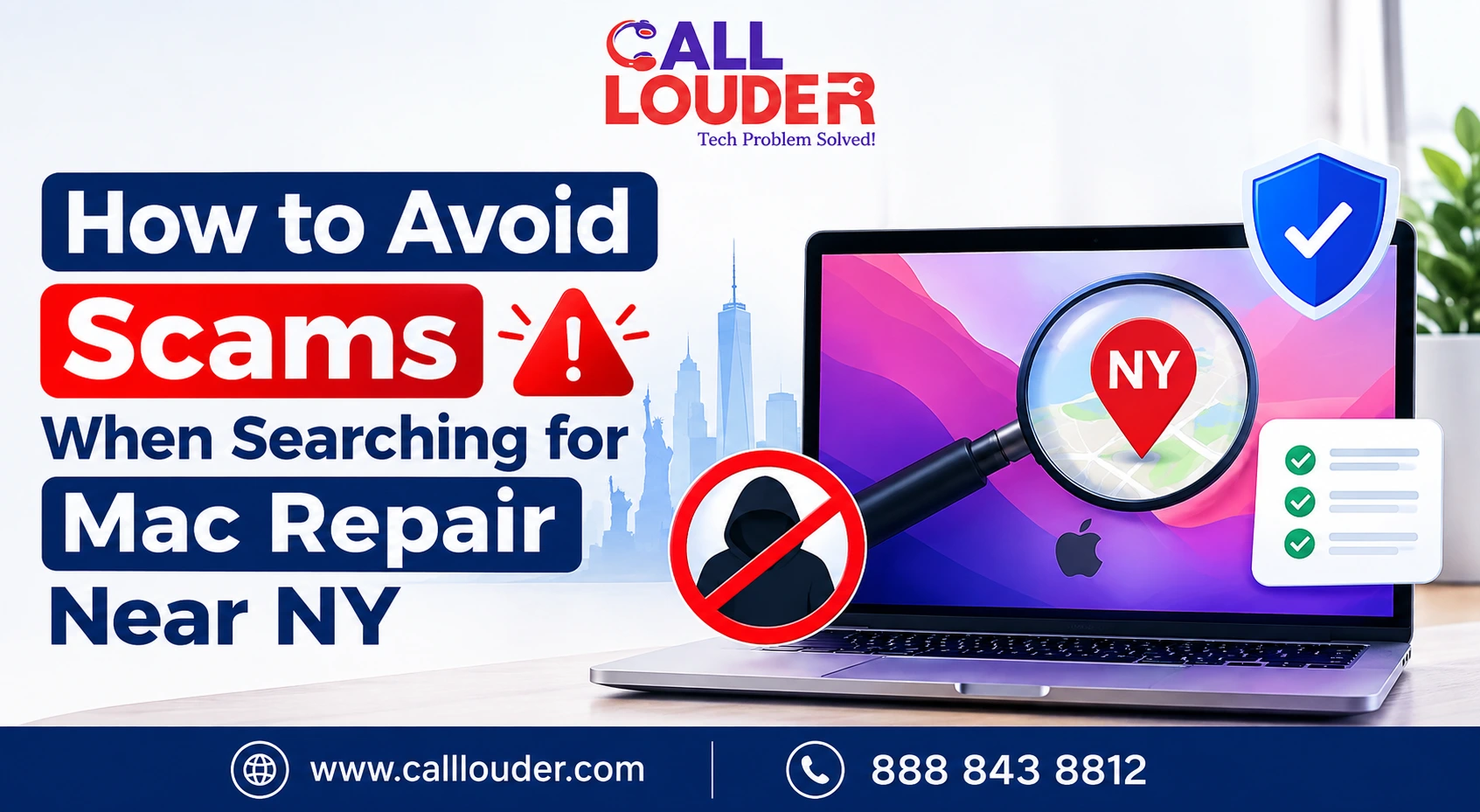
A broken Mac is inconvenient. Giving control of that Mac to the wrong person can be much worse.
Scammers know that people searching for repairs are already looking for a quick solution. Search results can include businesses you’ve never heard of, remote support providers, and websites that are difficult to verify.
When you’re looking for the best Apple Mac repair near me, the goal isn’t simply finding someone who says they can fix a Mac. You need to know who’s behind the service, what access they expect, and what you’re actually paying for.
Why Can Searching for Mac Repair Near NY Lead to Scams?
The problem isn’t that every online repair listing is suspicious. It’s that scammers can make a questionable service look completely legitimate.
A fake site may use familiar Apple-related language, professional graphics, local phone numbers, and urgent warnings to manufacture trust.
Established repair businesses, independent technicians, remote support providers, and misleading listings can all appear side by side with nothing obvious to separate them.
Checking a business before sharing any information or booking anything is worth the extra few minutes.
What Are the Biggest Warning Signs of a Mac Repair Scam?
Some are easier to catch than others. Beware of a repair provider:
- Calling you out of the blue about your Mac issues
- Telling you your Mac has a virus when you did not notify them about any such issue
- Demanding instant payment from you
- Demanding your Apple ID or password in advance
- Requesting remote access without first describing your issue
- Imitating Apple and making you think they are authorized
- Refusing to give you a written estimate of the charges
- Lacking valid contact information
- Using fear tactics to make you use their services
Unsolicited pop-ups asking you to call a technical support number are a sure sign of a scam.
A proper repair company describes your issue and a solution without needlessly frightening you.
How Can You Verify a Mac Repair Business Before Paying?
A few basic checks go a long way.
Check the Business Identity
Find out if the company name, physical address, legitimate contact information, and website all provide consistent information. Do not go by the phone number provided by the search results, as scammers can provide misleading contact details and even manipulate the caller ID.
See customer reviews
The star ratings are not the full story. Make sure to review customer reviews where they mention their experience with the company. If there are a lot of complaints about surprise charges, poor communication, damaged devices, or aggressive sales tactics, it is worth paying attention.
Check Repair Credentials
If a business claims to be Apple-authorized, verify it rather than taking the wording at face value. Apple has formal programs for Apple Authorized Service Providers and Independent Repair Providers with specific requirements around technicians, tools, training, and diagnostics.
When searching for the best Apple Mac repair near me, this kind of verification is far more useful than going with whoever appears first in the results.
What Should a Legitimate Mac Repair Provider Ask You?
A genuine technician needs information that’s actually relevant to the problem, things like:
- Your Mac model and approximate age
- The version of macOS you’re running
- What the Mac is doing wrong
- Any error messages you’ve seen
- When the problem started
- Whether the Mac was dropped or physically damaged
- What you’ve already tried
That’s how a technician starts narrowing down what might be wrong.
What they shouldn’t do is immediately ask for account passwords or unrelated personal information. You’re also well within your rights to ask what access they need, why they need it, and whether you can be present while the work happens.
Is Remote Mac Support Safe?
Remote support is genuinely useful for software problems, settings, account configuration, and issues that don’t require physical access. But it should never be treated casually.
If you’re considering Apple Mac technical remote support services, only choose a provider you contacted yourself, not someone who reached out to you unexpectedly.
A legitimate remote session involves clear consent and a defined purpose. You should know exactly when access starts and when it ends.
Basic practices worth following:
- Use trusted remote-access software only
- Never share passwords unnecessarily
- Don’t grant access to anyone who contacted you out of nowhere
- Watch what the technician is doing where possible
- End the session when the work is done
- Remove temporary remote-access software afterward
Remote desktop solutions for Mac can be completely legitimate; the question is always who’s operating the connection and why.
How Can You Tell If a Mac Repair Price Is Reasonable?
A suspiciously low quote isn’t a bargain. A high one isn’t automatically better. Before agreeing to anything, ask what you’re actually being charged for.
A useful estimate should cover:
- Diagnostic charges
- Labour costs
- Parts costs
- Estimated total
- Whether a repair warranty is offered
- What happens if the repair doesn’t solve the problem
Ask whether the price can change after diagnosis- a provider may not have an exact figure until they’ve inspected the Mac, but they should say that clearly upfront rather than surprising you later.
High-pressure tactics demanding immediate payment are a consistent feature of tech support scams. That urgency is a tool, not a sign the problem is real.
What Should You Do If You Think a Mac Repair Service Is a Scam?
Stop. Don’t give them anything else, no more information, no more access.
If remote access was already granted, end the session immediately and disconnect the Mac from the internet if needed. Remove any remote-access software that was installed for the session.
If you shared a password, change it from a trusted device. If you’ve provided payment details, contact your bank or card provider and watch out for anything suspicious.
How Can You Choose a Trustworthy Mac Repair Provider?
Start with transparency. A provider worth trusting should be willing to explain what’s wrong, what they recommend, what it’ll cost, and what access they need, without being pushed into it.
Find:
- Reliable and verifiable business details
- Professional technicians
- Transparent charges
- Secure support process
- Proper privacy policy
- Repair conditions stated clearly
- Support even after the completion of the service
Call Louder is one stop solution for users who require professional assistance with technical issues but without going through an unwanted call or a suspicious pop-up. Professional IT support services form a better solution for technology-related problems.
When Should You Choose Apple or an Authorized Service Provider?
If your Mac is under warranty covered by AppleCare, official Apple service is worth considering, particularly for hardware repairs where authorized service matters.
Independent repair providers might sell their own warranties, but Apple doesn’t provide the same coverage for those repairs. That doesn’t mean every independent provider is a risk- it just means you need to know the difference between authorized repair, independent repair, and remote support before you decide.
FAQs
How do I know if a Mac repair company is legitimate?
See business information, reviews, repair credentials and contact information. If they say they are authorized by Apple, check with Apple.
Should I give a Mac repair technician my Apple ID password?
Generally no. If account access is needed, ask exactly why before sharing anything.
Can someone repair my Mac remotely without accessing my files?
Some troubleshooting doesn't require it; ask what access is needed before the session starts.
What should I do if I already gave a scammer remote access to my Mac?
Close the session, uninstall any unfamiliar software, change any leaked passwords and inform your bank if you entered payment information. Louder can help verify and secure the impacted Mac.