

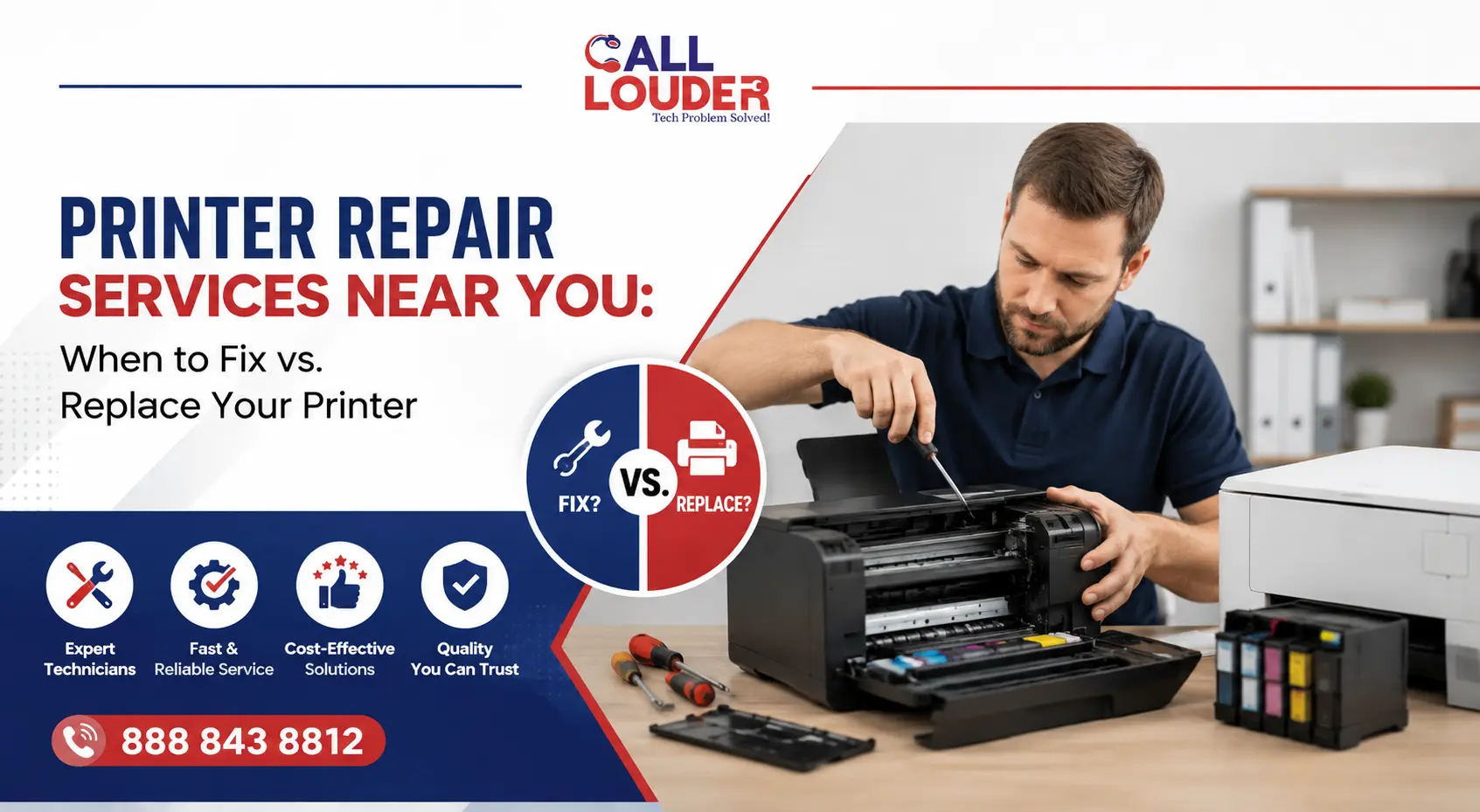
Replacing a printer is the easy part. Figuring out whether you actually need to is where most people get stuck. A surprising number of common faults come down to software settings, maintenance issues, or worn components- things that can be sorted without spending money on new hardware.
Before making that call, it is important to understand what the problem is actually pointing to. If you’re looking into printer repairing services, these checks will help you work out whether repair or replacement makes more sense. From things you can try yourself to signs that need professional attention- here’s how to approach it.
Why Printers Stop Working in the First Place
Printers depend on hardware, firmware, drivers, and network connectivity all working together. When one part of that breaks down, the whole thing can grind to a halt.
Common culprits include:
- Dust and debris inside the printer
- Outdated or corrupted drivers
- Ink or toner problems
- Worn rollers and paper feed mechanisms
- Wi-Fi or network connectivity issues
- Internal hardware wear from years of use
Most of these don’t mean the printer is finished. A bit of troubleshooting usually reveals whether it’s something minor or a sign of a deeper mechanical issue.
5 Most Common Printer Problems You Can Fix Yourself
Before calling in printer repairing services, these basic checks are worth running through first.
Printer Connected but Not Printing
Seeing the printer show as online while nothing actually prints is one of the more frustrating experiences in an office environment.
If your printer is connected but not printing, work through the following:
- Confirm the right printer is actually selected
- Clear anything stuck in the print queue
- Restart both the printer and the computer
- Check ink or toner levels
- Reconnect to Wi-Fi if you’re printing wirelessly
Restarting the print spooler or reinstalling the driver also fixes this more often than you’d expect.
Printer Stuck Paper
A printer stuck paper error doesn’t always mean there’s an obvious sheet wedged somewhere visible.
Open every accessible cover and work through the paper path carefully. Pull any jammed paper out slowly- tearing it leaves scraps behind that cause the next jam. While you’re in there, check the rollers for dust or worn rubber, since degraded rollers are behind a lot of repeat jam issues.
Poor Print Quality
Blurry text, faded output, or streaks across the page usually point to maintenance rather than anything seriously wrong with the hardware.
Worth trying:
- Running the printer’s built-in cleaning cycle
- Aligning the print heads
- Replacing ink or toner that’s running low
- Checking you’re using the right paper type for the job
Printer Showing Offline
An offline status is usually a network communication problem rather than a hardware fault.
Check the printer is connected to the right Wi-Fi network, restart the router if needed, and make sure the printer hasn’t been paused or set to “Use Printer Offline” somewhere in the settings.
Slow Printing Performance
Large image files, outdated firmware, or print quality settings pushed too high can all drag output speed down noticeably.
Updating the firmware and dropping to standard quality for everyday documents tends to make a meaningful difference.
Warning Signs Your Printer Needs Professional Repair
Some problems sit outside what routine maintenance can fix.
A professional service can be considered if you are facing:
- Constant paper jams even after cleaning
- Grunting or clicking sounds during its operation
- Recurring error messages after each and every rebooting
- Leaking ink within the printer
- Problems with rollers/paper feed
- Networking issues despite a complete reset
Such symptoms mostly indicate that there is a need for replacement of parts inside your printer due to wear and tear. It’s very rare that any problem will be fixed on its own by continuing to use your printer.
When Is Printer Repair the Better Choice?
Repair tends to make more financial sense when the fault is relatively contained.
It’s usually worth repairing if:
- The printer is only a few years old
- It’s a business-grade laser printer
- Replacement parts are available without difficulty
- The repair cost is reasonable against the price of a new device
- The issue is software, firmware, or network-related rather than mechanical
Businesses that rely on consistent printing output often go down the repair route because fixing a quality office printer costs considerably less than replacing it. A professional technician can also spot underlying issues that aren’t immediately visible, which helps avoid the same fault recurring a few weeks later.
When Is It Better to Replace Your Printer?
There are situations where replacement is simply the more practical call.
| Repair the Printer | Replace the Printer |
| Minor hardware issue | Major internal hardware failure |
| Less than 5 years old | Very old printer with discontinued parts |
| Business or commercial model | Entry-level home printer |
| Repair cost is affordable | Repair cost approaches replacement cost |
| Parts are readily available | Parts are difficult to source |
If repairs are becoming a recurring expense or the printer can no longer keep up with your workload, a newer model is likely to save both time and money over the longer term.
What Happens During Professional Printer Repair Services?
Professional technicians cover considerably more ground than clearing a paper jam.
A standard inspection typically includes:
- Full hardware diagnostics
- Driver and firmware updates
- Print head or nozzle cleaning
- Roller and paper feed inspection
- Network connectivity testing
- Calibration and test printing
Many businesses pair printer repairing services with broader IT support services, which makes sense when printers, computers, and office networks all need to work together reliably. If you’re searching for printer repair near me, Call Louder provides remote troubleshooting and technical support to work through software and connectivity issues before hardware repairs become necessary.
How to Prevent Common Printer Problems
Maintenance ensures a printer lasts much longer than many expect. Some good maintenance practices to consider include:
- Updating printer firmware regularly
- Cleaning the rollers and paper trays frequently
- Storing paper in dry areas since humidity leads to feed problems
- Using the recommended paper type by the printer
- Replacing ink or toner cartridges before the printers are empty
- Printing some pages every few weeks to avoid the buildup of print heads
- Listening to recurring sounds or paper jams since they will only get worse
Prevention is always cheaper than having to deal with emergency repairs. Offices that cannot afford any downtime can consider regular maintenance and IT services offered by Call Louder to ensure their equipment continues functioning without being interrupted due to avoidable problems.
FAQs
What is the cost for printer repairing services?
It varies according to the type of printer and the kind of problem. A software or networking issue is cheaper to repair than a hardware problem.
Why is my printer connected but not printing?
Your printer connected but not printing might be due to an inappropriate printer choice, a frozen print queue, outdated drivers, lack of ink in cartridges, or a problem with the network connection.
Is it possible to fix a printer with a printer stuck paper error?
Yes. Most problems related to jammed paper can be fixed by cleaning the rollers inside the printer and extracting the paper properly. In case of recurring errors, the rollers or other parts may require professional servicing.
Should I repair my printer or purchase a new one?
If your printer is still fairly new and the repair does not cost much, then you should opt for fixing the printer. However, if repairs are constant and replacement parts are hard to come by, purchasing a new one will be a better option.