

Dealing with a computer virus has become way more common in 2026 than most people expected. Cyberattacks and different kinds of malware are growing fast, and they are no longer targeting only big companies. Even regular home users and small businesses are facing serious computer security threats every day. A simple click on the wrong link and then boom, a dangerous virus on computer systems without any warning.
If your PC suddenly becomes slow, starts showing random pop-ups, or your accounts get hacked, those could be early signs of computer virus infections. In this guide, you’ll get to know the most common PC virus symptoms, how to prevent malware attacks, and what steps you should take to remove computer virus problems before they get worse.
What Exactly Is a Computer Virus?
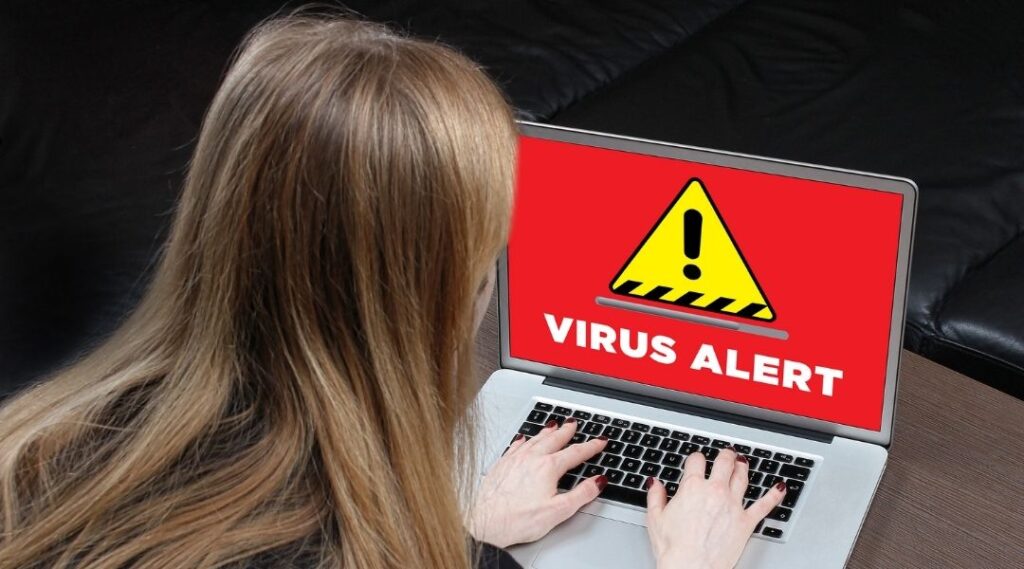
A computer virus is a harmful program that enters your device without permission and starts causing problems in the background. It can slow down your system, damage files, steal personal information, or even spread to other devices. Most people use the word virus for every threat, but technically, a virus is just one type of malware.
Malware is the general term for all harmful software. A virus spreads by attaching itself to files or programs, while spyware secretly tracks your activity as well as steals information. Ransomware is even more dangerous because it locks your files and demands money to unlock them. These kinds of computer security threats are becoming more common every other year.
A virus on computer systems usually spreads through unsafe downloads, fake websites, email attachments, cracked software, or infected USB drives. To be honest, many people don’t even realize they clicked something harmful until they start noticing strange behavior or clear PC virus symptoms on their device.
Why a Computer Virus Can Be a Serious Problem
A computer virus is not just about a slow laptop or some annoying pop-ups. It can lead to serious issues like stolen passwords, hacked social media accounts, banking fraud, corrupted files as well as even complete system crashes. Some viruses quietly collect your personal data in the background while others damage your files so badly that recovery becomes very difficult.
Privacy is another major concern. If hackers gain access to your device, they may track your online activity, steal sensitive information, or can even use your accounts for scams. That’s why noticing the early signs of computer virus infections as well as taking steps immediately to remove computer virus threats quickly is definitely important.
10 Signs Your Computer May Have a Virus
1. Your Computer Gets Extremely Slow
One of the most common PC virus symptoms is sudden slow performance. If your computer takes a very long time to start, programs keep lagging, or the CPU usage stays unusually high even when you are not doing much, there’s a chance a virus on computer systems is running quietly in the background.
2. Pop-Ups Keep Appearing Everywhere
If random ads suddenly start flooding your screen, especially on websites that normally look clean, it could be one of the major signs of computer virus infections. Some malware also shows fake antivirus warnings to scare users into downloading more harmful software. Browser redirects to strange websites are another red flag you should definitely not ignore.
3. Programs You Never Installed Suddenly Appear
Seeing unknown apps, toolbars, or suspicious software on your computer is another warning sign. Some types of malware automatically install extra programs without permission. If you notice applications you never downloaded, your system may already be dealing with serious computer security threats.
4. Your Browser Homepage Changes on Its Own
A hijacked browser is a very common sign of malware. Your homepage may suddenly switch to a fake search engine, or your searches may redirect to random websites filled with ads. This kind of virus on computer activity is designed to track clicks, collect data, or push harmful content onto your device.
5. Your Antivirus Suddenly Stops Working
Many viruses try to disable security tools first so they can stay hidden longer. If your antivirus turns off by itself, the firewall gets disabled, or updates stop working, your device may already be infected. In many cases, users only realize something is wrong when they can no longer remove computer virus threats using normal tools.
6. Your System Crashes Again and Again
Frequent crashes, blue screen errors, random shutdowns, and strange error messages are all possible PC virus symptoms. Malware can damage important system files, making your computer unstable. If these problems start happening regularly without any hardware issue, it’s worth checking for a computer virus immediately.
7. Strange Emails Are Sent From Your Account
If friends or coworkers say they received spam emails from you that you never sent, your email account may have been compromised. Some malware steals login details and uses infected accounts to spread more scams or viruses. This is one of those computer security threats that can affect both personal and work accounts very quickly.
8. Your Internet Usage Suddenly Increases
A hidden virus often connects to unknown servers in the background, which can increase data usage and slow down internet speeds. If your network feels unusually slow even when you are not downloading anything, suspicious background activity could be happening without your knowledge.
9. Files Start Disappearing or Getting Locked
Missing files, renamed folders, or documents that suddenly cannot be opened are major warning signs, especially with ransomware attacks. Some malware encrypts files and demands payment to unlock them. To be honest, this is one of the scariest signs of computer virus infections because important personal or work data can disappear within minutes.
10. Your Webcam or Microphone Turns On Randomly
If your webcam light switches on unexpectedly or your microphone activates without permission, spyware could be spying on your activity. This kind of privacy invasion is becoming more common in modern computer security threats. Even a small sign like this should definitely be taken seriously before the problem gets worse.
What To Do If Your Computer Has a Virus
Disconnect From the Internet
If you think there’s a virus on computer systems, the first thing you should do is disconnect from the internet. This can stop malware from spreading, stealing data, or communicating with hackers in the background.
Run a Full Antivirus Scan
Use trusted antivirus software to run a complete system scan. A quick scan may miss hidden threats, so a full scan is definitely the better option when dealing with serious PC virus symptoms.
If the infection feels too complicated to handle on your own, getting expert help can save both time and important data. Professional Cybersecurity Protection services can help detect hidden malware, secure compromised accounts, and prevent future attacks before they cause serious damage.
Remove Suspicious Programs
Check your installed apps and remove anything unfamiliar or suspicious. Many computer security threats hide inside fake software, unwanted browser extensions, or unknown toolbars.
Change Your Passwords
If your computer may be infected, change passwords for your email, banking apps, and social accounts immediately. A computer virus can steal login details without you even noticing.
Backup Important Files
Save important documents, photos, and work files to a secure external drive or cloud storage. This helps protect your data in case the infection gets worse or files become corrupted.
Important:
Use Safe Mode when scanning heavily infected systems. It can stop harmful programs from running and make it easier to remove computer virus threats properly.
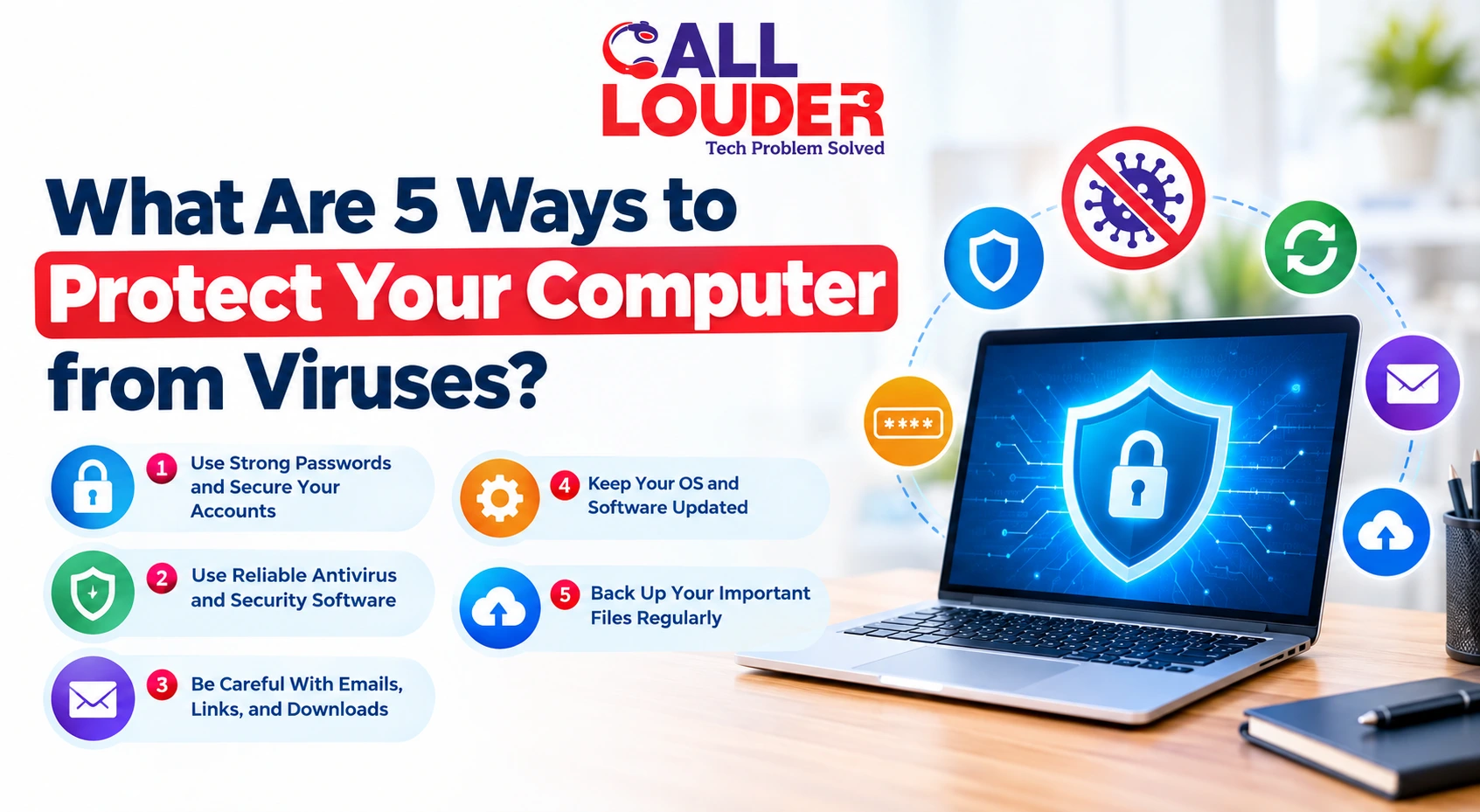
Simple Ways to Protect Your Computer From Viruses
Regularly Update Software
Regularly updating software improves the likelihood of your computer being protected against new cyber threats. Ignoring updates can leave your system exposed to new computer security threats.
Use Trusted Antivirus Software
A reliable antivirus program adds an extra layer of protection as well as helps detect early signs of computer virus infections before they become serious.
Be Cautious with Downloads
Cracked software, random attachments, and unknown downloads are some of the biggest reasons people end up getting viruses on computer devices.
Enable Firewall Protection
A firewall helps block suspicious connections as well as unwanted access attempts. It’s a simple feature, but it definitely improves overall security.
Backup Your Data Regularly
Regular backups can save you from major problems during ransomware attacks or system crashes. Even if malware damages your files, you’ll still have safe copies available.
Common Mistakes That Increase Virus Risk
- Clicking unknown links in emails or messages
- Downloading cracked software or fake apps
- Ignoring important software updates
- Using weak or repeated passwords
- Turning off antivirus protection for convenience
These habits may seem small, but they often lead to serious computer security threats as well as dangerous PC virus symptoms later on.
When You Should Get Professional Help
Persistent Infections
If the virus keeps returning even after many scans and cleanup attempts, you may then need professional help to fully remove computer virus infections.
Ransomware Attacks
If your files become encrypted or locked with payment demands, all of a sudden, don’t panic. Ransomware is one of the most dangerous malware attacks and usually necessitates expert help to recover any data lost from the attack.
System Becomes Inaccessible
If your computer refuses to boot properly or keeps crashing continuously, the infection may have damaged important system files.
Data Recovery Is Needed
When important files are lost, corrupted, or deleted, professional technicians may still be able to recover your data before it’s gone permanently.
Conclusion
Catching a computer virus early can save you from major problems like stolen data, hacked accounts, and damaged files. The sooner you notice the signs of computer virus infections, the easier it becomes to protect your device and personal information.
To be honest, building safe browsing habits and keeping your computer secure requires regular maintenance, safe browsing habits, and fast action whenever suspicious activity appears. Whether you need virus removal, data recovery, or remote tech support, visit Call Louder for professional computer support and cybersecurity solutions.
Frequently Asked Questions
How do I know if my computer has a virus?
Common signs of computer virus infections include slow performance, pop-ups, browser redirects, crashes, and unknown programs appearing on your device.
Can a computer virus steal my passwords?
Yes, some malware and spyware are designed to steal passwords, banking details, and personal information without the user noticing.
What should I do if my PC is infected?
Disconnect from the internet, run a full antivirus scan, remove suspicious software, and change important account passwords immediately.
How do viruses spread to computers?
A virus on computer systems usually spreads through unsafe downloads, email attachments, fake websites, infected USB drives, or cracked software.
Is a slow computer always caused by a virus?
Not always. A slow computer can happen due to old hardware or too many background apps, but sudden slowdowns are also common PC virus symptoms.