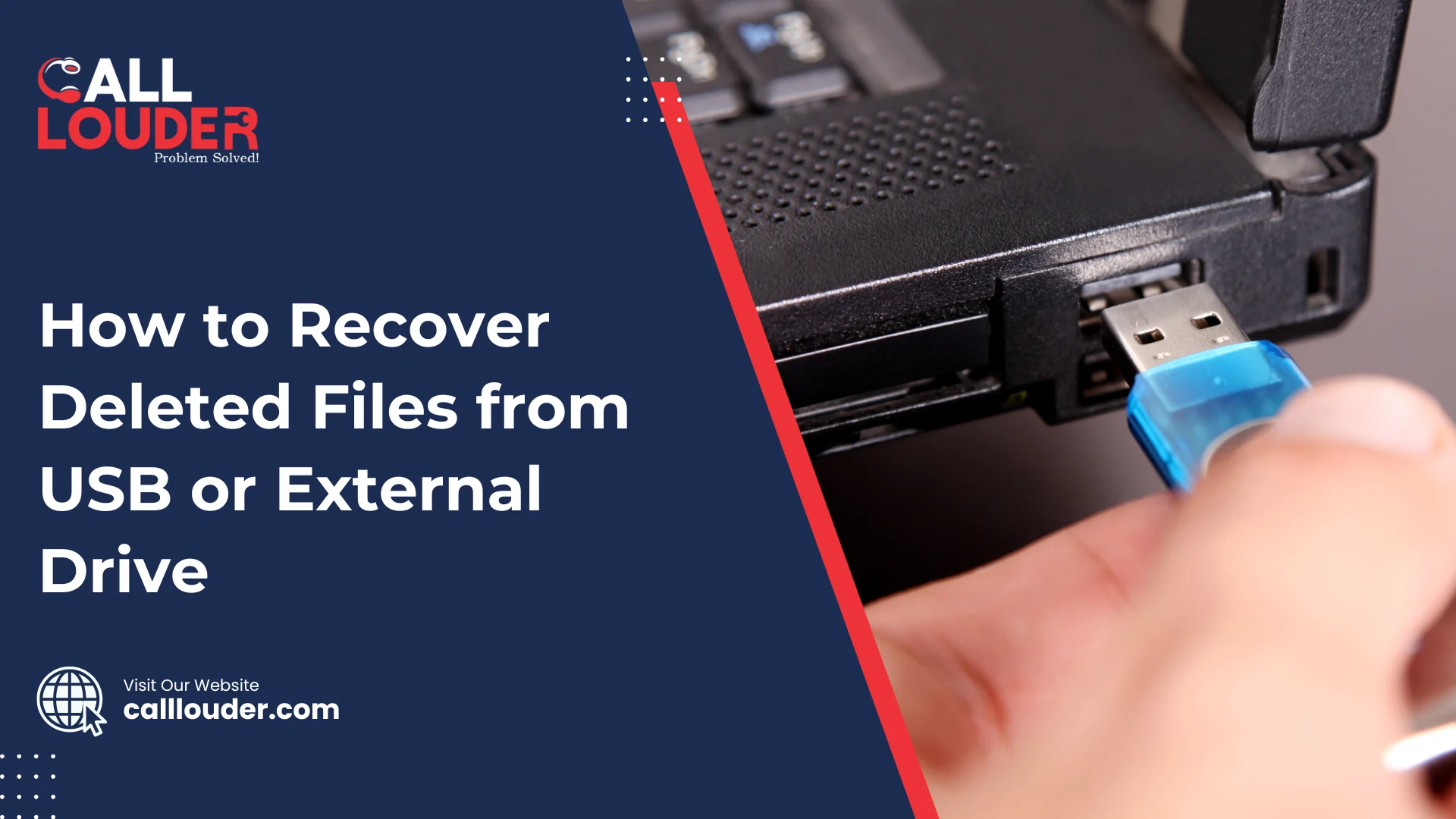
It only takes a moment for things to go wrong, one accidental delete, a sudden unplug, or a small corruption issue, and suddenly your USB or external drive looks empty. This is upsetting, but don’t panic; most of the time, deleted files aren’t truly gone.
With a few right steps, USB data recovery and external hard drive recovery tools can bring many of those missing files back. Deleted items are often just marked as “gone,” but still sitting on the drive.
The key is to act fast. If you continue to use the drive, there is a strong chance that the lost data will be overwritten and it will make recovery even more difficult. Stop using it right away to give yourself the best chance of getting everything back.
Why Do Files Get Deleted from USB or External Drives?
A USB drive or external hard drive can lose files for many simple reasons. You might accidentally delete something, a virus could remove or hide your files, or the drive can be corrupted. Even a quick format or unplugging without safely ejecting it can easily result in data loss. These types of problems are very common, and they can happen to anyone.
Common Causes
- Accidental deletion or formatting
- File system corruption (like a RAW drive)
- Virus or malware attack
- Power failure during file transfer
- Damaged USB connectors or bad sectors
Is It Possible to Recover Deleted Files from a USB?
Absolutely. When you delete a file from a USB drive, that file is not actually gone until new data on the drive replaces it. Therefore, if you react quickly, you can often use recovery software or have a professional recover your files.
How effective USB recovery is depends on several aspects, including how quickly you try to recover the files, whether the drive is physically damaged, and what kind of deletion happened, such as a simple delete versus a full format delete because a simple delete is easier to fix than a full format. Acting fast always gives you the best chance!
How Can I Recover Deleted Files from a USB Drive?
Using recovery software, checking your backups, or getting help from a professional data recovery service can help restore deleted files from a USB drive. Most people usually try software first due to its ease of use and speed, and it often works well.
Step 1 – Stop Using the Drive Immediately
As soon as you notice files are missing, don’t save anything new to the USB. New data can overwrite the deleted files and make recovery harder.
Step 2 – Use File Recovery Software
- Download a trusted USB recovery tool like Recuva, EaseUS, or Disk Drill.
- Plug in your USB drive and choose it in the program.
- Run a scan to look for deleted files, then preview what can be recovered.
- Save the restored files somewhere else and don’t put them back on the same USB.
Step 3 – Check for Backups
Look for older copies in Windows File History, OneDrive, or any other cloud backup you use. If you’re on a Mac, check your Time Machine backups for the missing files.
Step 4 – Try Command Prompt (Advanced)
- For Windows users:
Open Command Prompt as an administrator.
Type: chkdsk X: /f (replace X with your drive letter).
Then run: attrib -h -r -s /s /d X:*.*
These commands may bring back hidden or lost files.
How Can I Recover Data From an External Hard Drive?
You can recover files from an external hard drive by using recovery software that scans for missing partitions, damaged sectors, or deleted files. If the drive isn’t showing up at all, the problem might be deeper, and you may need help from a professional recovery service.
Step 1 – Check the Connection
Try plugging the drive into a different USB port or using a new cable. If that doesn’t work, connect the drive to another computer to see if it’s detected there.
Step 2 – Run a Recovery Tool
Use stronger recovery programs like Stellar or R-Studio to do a deep scan of the drive. Once you find your files, save them to a different disk so you don’t overwrite anything important.
Step 3 – When Software Fails, Contact a Data Recovery Expert
If the drive is physically damaged, or if your computer is unable to detect it at all, there are no software solutions that could help in this situation. So in this case, getting help from a professional is the safest option. Services like CallLouder’s External Drive Recovery specialize in handling damaged drives and recovering files safely.
What Should I Not Do After Deleting Files From a USB?
After losing files, it’s important to avoid actions that can make the situation worse. Don’t save new files to the USB, don’t format it, and don’t use random or unsafe recovery apps. These can overwrite your deleted data or even damage the drive further.
Avoid:
- Writing new data on the affected drive
- Reformatting before trying recovery
- Opening or trying to repair the drive yourself
- Using pirated or unsafe recovery tools that may contain malware
When Should I Use a Professional Data Recovery Service?
You should turn to a professional when the drive is damaged, not detected, or when recovery software can’t bring your files back. Experts have the tools and clean environments needed to safely recover data from failing drives.
Signs You Need Expert Help
- The drive makes clicking or buzzing sounds
- It’s not detected on any computer
- Recovery software can’t find any files
- Important business or personal data is at risk
If you’re facing any of these issues, CallLouder’s USB and External Drive Recovery Team can help recover data securely and efficiently.
How Can I Prevent Losing Files From USB Drives?
You can avoid most USB and external drive data loss by taking a few simple steps. Making regular backups, removing your drive safely, and keeping your devices protected from viruses can save you from a lot of stress later.
Preventive Tips
- Always eject your USB or external drive safely
- Keep backups in the cloud or on another storage device
- Avoid unplugging the drive while files are being copied
- Use antivirus software to stop malware attacks
- Replace old or slow drives before they fail
FAQs
Yes, free recovery software like Recuva can help restore simple deleted files, but advanced cases may need paid tools.
The sooner you try, the better. Once new data is saved, it can overwrite the deleted files.
Yes, but it usually needs a professional service with special tools to safely get your data back.
No, only use trusted programs. Unsafe or pirated tools can damage your drive or carry malware.
Always back up your files, safely eject drives, avoid sudden power loss, and use antivirus protection.