These days, our homes have more WiFi devices than ever. Streaming movies, playing online games, and using smart home gadgets all need a good internet connection.
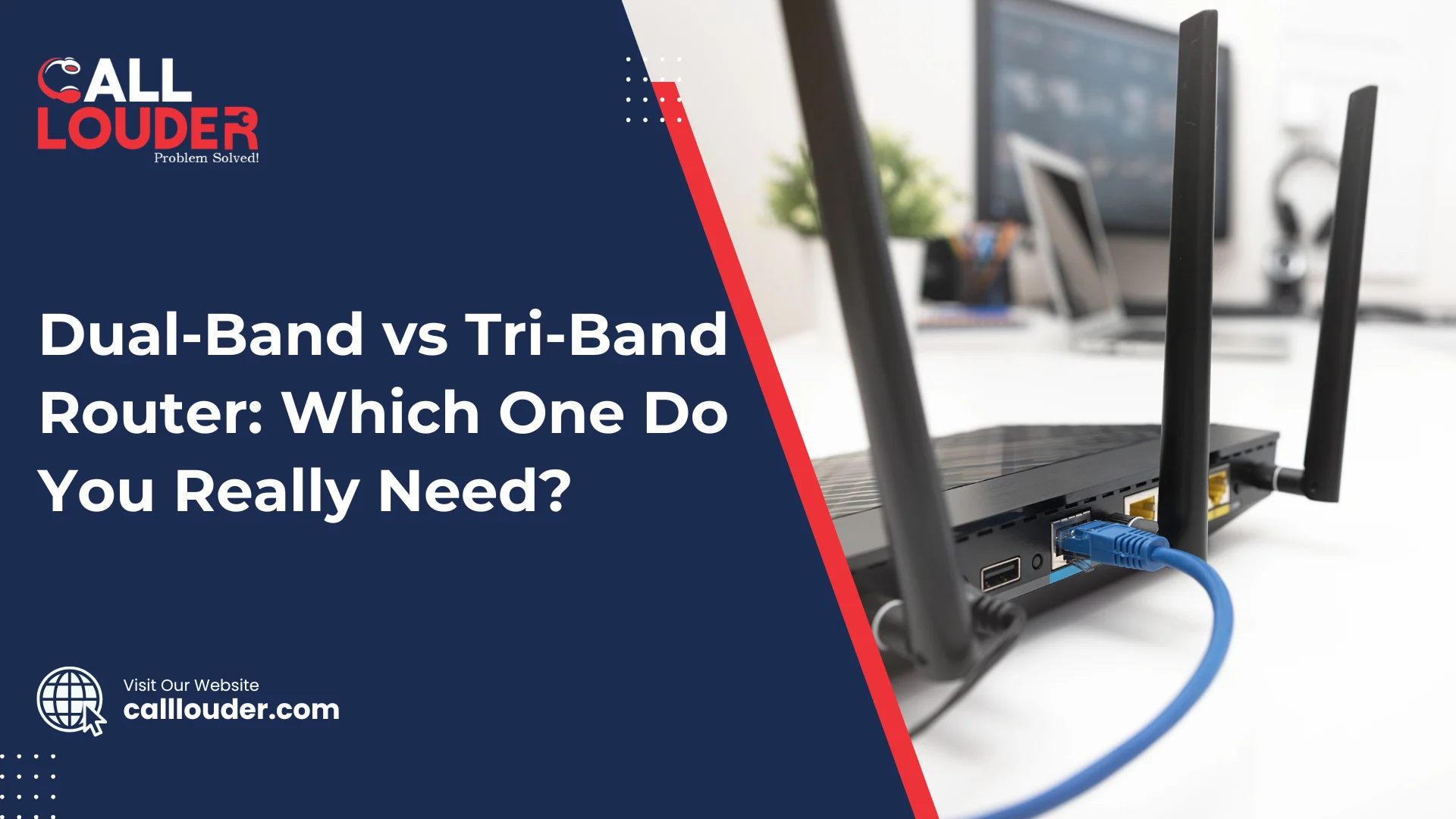
Many people get confused when choosing between a dual-band vs tri-band router. Read on to know the differences between them, how they affect WiFi speed, and which one is the best WiFi router for your home.
Dual-Band vs Tri-Band Router
For small homes, townhouses, or apartments, a dual-band router will suffice. A dual-band router consists of two WiFi bands – 2.4 GHz for longer range and 5 GHz for faster speeds. This setup works well for regular browsing, streaming movies, or light gaming without slowing down your connection.
In contrast, a tri-band router has an additional 5 GHz band, which can be an additional benefit if you have many devices connected at the same time. So if you do a lot of streaming, online gaming, or have multiple devices connected at the same time and need a fast internet connection, investing in a tri-band router will give you a smoother experience due to less traffic on your WiFi.
What Does Dual-Band Mean?
A dual-band router uses two WiFi frequencies: 2.4 GHz and 5 GHz. This gives you flexibility for everyday tasks like browsing the web, streaming videos, or checking emails. It’s simple but works well for most homes.
How Dual-Band Works
- 2.4 GHz: Covers longer distances but is slower
- 5 GHz: Faster speeds but doesn’t reach as far
Best For
- Small homes or apartments
- 5–10 devices connected at the same time
- Streaming videos, browsing, and general internet use
What Is a Tri-Band Router Used For?
A tri-band router adds an extra 5 GHz or 6 GHz band to handle more devices at once and reduce slowdowns. This makes it great for busy homes, online gaming, as well as high-speed internet needs.
How Tri-Band Works
- 2.4 GHz + 5 GHz + extra 5 GHz/6 GHz
- One band is often kept for heavy traffic like streaming or gaming
Best For
- Large homes with many rooms
- 15+ devices connected at the same time
- 4K or 8K streaming, gaming, and smart home devices
Is Tri-Band Faster Than Dual-Band?
Tri-band routers can provide faster, more reliable connections because they split traffic across three bands. As a result, there is less congestion, and your connection will be faster and more stable when using many devices at the same time.
- Dual-band: Good for Zoom calls and video streaming
- Tri-band: Better for gaming, streaming, and multiple devices all at once
Is Tri-Band Good for Gaming?
Yes. A tri-band router gives the gaming devices their own, significantly less congested band which will reduce lag and provide more consistent/stable connection.
Gaming Benefits
- Lower ping for providing quicker response times in games
- Less lag when gaming online.
- More stable connection even when other devices are streaming or downloading.
Which Router Is Better for Smart Home Devices?
When your home contains numerous smart devices, a tri-band router is typically the best option. A tri-band router has three WiFi bands, allowing you to connect many devices simultaneously without impacting your internet speed or slowing down your internet. Smart lights, cameras, speakers, thermostats, and smart plugs all need constant connections, and a tri-band router keeps traffic smooth across all devices and which means fewer interruptions for video calls, streaming, or online gaming, even when everyone in the house is using the internet at once. For busy smart homes, a tri-band router keeps everything fast and reliable.
When You Should Choose a Dual-Band Router
A dual-band router is perfect for smaller homes or apartments where you don’t have too many devices. It has two WiFi bands – 2.4 GHz for longer range and 5 GHz for faster speeds nearby. This setup is enough if you mainly use the internet for browsing, streaming videos, or light gaming. It can easily handle 5–10 connected devices at the same time. Dual-band routers are also more budget-friendly, making them a good choice if you don’t need the extra speed or extra band of a tri-band router. For everyday use, it’s simple and reliable.
When You Should Choose a Tri-Band Router
A tri-band router is best for large homes or multi-floor houses where WiFi needs to reach every corner. If your household has many users and devices connected at the same time, a tri-band router can handle the traffic without slowing down. It’s also great if you stream multiple 4K or 8K videos, play online games, or run smart home devices all at once. Heavy data tasks, like large downloads or video calls, also work better on tri-band. Basically, if your internet is always busy, a tri-band router keeps everything fast and smooth.
How Can I Improve My WiFi Speed?
If your WiFi feels slow, there are simple ways to make it faster. Where you place your router matters a lot. Here are a few tips to improve your WiFi speed:
Tips
- Put your router in a central spot
- Keep it away from walls and metal
- Update firmware regularly
- Use Ethernet for gaming or TVs
- Reboot the router occasionally
Conclusion
A dual-band router is efficient, low-cost, and sufficient for everyday internet use. A tri-band router provides faster speeds and handles more devices which is ideal for busy homes with heavy streaming or gaming. The best choice totally depends on how many devices you have and how you use the internet so choose the one that fits your home and daily needs and/or requirements. If you face any issues regarding your router, you can connect with Wi-Fi & Internet Support for assistance.
FAQs
In most cases, no. For a small space with fewer devices connected to the Wi-Fi, a dual-band router should be more than enough.
Yes, it gives gaming devices their own band which reduces lagging and provides a more stable connection.
Yes, if you relocate the router to a more central position which is also away from walls and any metal objects, it will likely help improve coverage and speed.