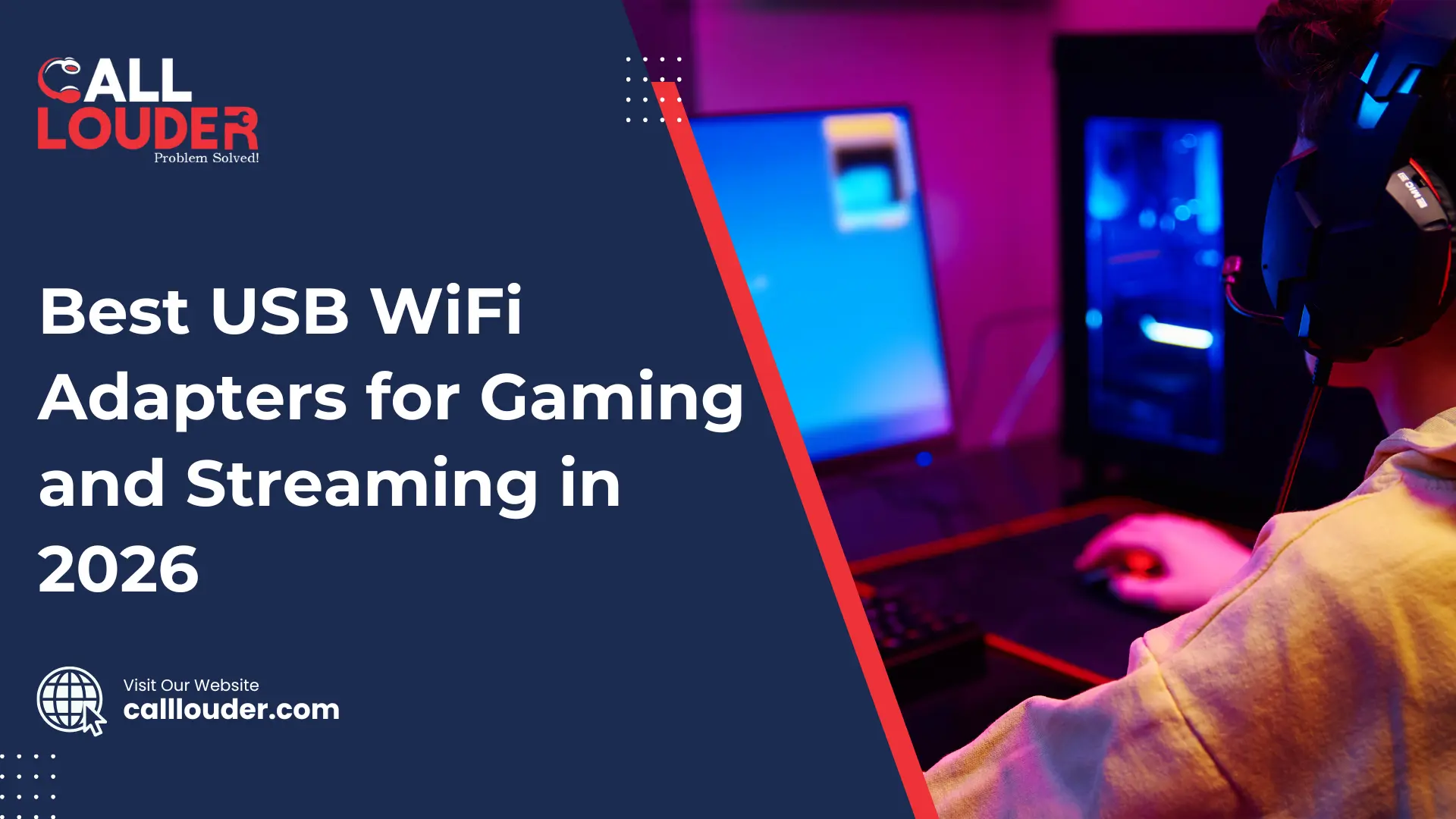
Tired of lag spikes or buffering while gaming or streaming? A quality USB WiFi adapter can help tremendously. It allows your PC to get a stronger, faster, and more stable connection, which improves your network speed not only during gaming but also while browsing or streaming videos.
The newer gaming WiFi adapter models come with WiFi 6 or even WiFi 6E support. These newer standards provide a better experience in terms of speed and stability. While the older adapters tend to work, they often fall behind in terms of performance when the network is busy.
Read on to explore the best USB WiFi adapters for gaming and streaming in 2026. We tested them for speed, range, and stability to help you choose a wireless adapter that meets your requirements, so whether you want lag-free gaming or buffer-free streaming, these top picks will help keep your connection strong.
What Should I Look for in a USB WiFi Adapter for Gaming?
When choosing a gaming WiFi adapter, one should look for high network speed, low latency, and strong dual-band or tri-band performance. A great adapter should offer WiFi 6 or newer standards, since these offer faster and more stable connections than previous versions. Features like MU-MIMO and beamforming also help keep your signal steady especially for streaming and playing online games. Although cheaper adapters may work, a stronger one will give you a smoother experience.
Important Features to Keep in Mind
- Speed Rating (2400 Mbps will give the best performance)
- Dual Band or Tri Band (Using: 2.4 GHz + 5 GHz + 6 GHz allows for better stability and less interference)
- Low Latency
- USB 3.0
- Antenna and Range (Realistically, external antennas typically provide a stronger signal and range. However, small adapters can also work well)
- Compatibility (Make sure before you purchase any adapter that it supports Windows, macOS, or Linux)
What Is the Best USB WiFi Adapter for Gaming and Streaming in 2026?
Below is a quick and simple table to help you pick the best USB WiFi adapter based on speed, price, and use case. This makes it easy to see which gaming WiFi adapter fits your setup.
| Adapter Name | WiFi Standard | Speed (Mbps) | Best For |
|---|---|---|---|
| TP-Link Archer TXE75E | WiFi 6E | 2400 | Pro gaming |
| ASUS USB-AX56 | WiFi 6 | 1800 | Gaming & 4K streaming |
| Netgear Nighthawk A8000 | WiFi 6E | 2400 | Multi-device use |
| Linksys WUSB6300 | WiFi 5 | 1200 | Budget setup |
| D-Link DWA-X1850 | WiFi 6 | 1800 | Smooth streaming |
1. TP-Link Archer TXE75E – Best Performance Overall
The Archer TXE75E will be one of the fastest adapters in 2026 with WiFi 6E, ultra-low latency, and USB 3.0 interface. It’s really well-suited for gamers who want speed and a highly reliable ping. Speed tests demonstrated it reaching nearly 2400 Mbps, making it an incredible option for anyone who wants a strong network speed.
2. ASUS USB-AX56 – Best for PC Gamers
This adapter is great in terms of dual-band performance with a very compact design and is perfect for PC gamers. It is compatible with 4K streaming, gaming and for daily use. If you need a good gaming wifi adapter that isn’t too big, this is a great small, budget-friendly choice.
3. Netgear Nighthawk A8000 – Premium Speed & Stability
The A8000 uses a tri-band setup with beamforming to improve signal strength and stability. It’s ideal for homes with many devices, since it handles busy networks smoothly. Although it’s more expensive, the speed and reliability make it worth it for power users.
4. Linksys WUSB6300 – Budget Pick
If you are looking for something simple and inexpensive at the same time, the Linksys WUSB6300 is also a great option. It has WiFi 5, but it provides enough speed for casual gaming and normal everyday streaming. It’s a low-cost upgrade for older Windows PCs that need better WiFi.
5. D-Link DWA-X1850 – Best for Streamers
The WiFi 6 adapter provides great upload speeds, low jitter, and stable performance which is important for Twitch and YouTube streaming. It is an excellent option for creators who want smooth, buffer-free broadcasts while not going over the budget.
How Do I Choose a WiFi Adapter for Gaming or Streaming?
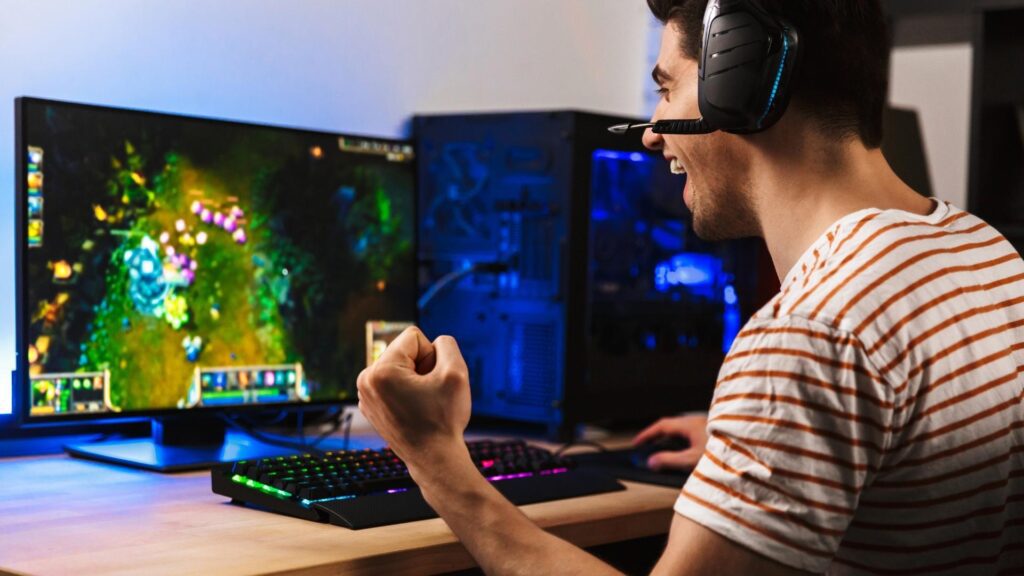
Choose a WiFi adapter according to the speed of your internet, the WiFi version of the router you are using, and the distance from the router to your computer. WiFi 6 and WiFi 6E adapters are better than previous versions as they offer faster and more stable connections. This is best for online gaming and streaming, providing smooth performance with fewer lag spikes or buffering.
Step-by-Step Buying Guide
- Check your current router’s WiFi version.
- Match adapter standard (WiFi 5, 6, or 6E).
- Select USB 3.0 ports for better speed and better stability.
- If you are using the adapter for gaming, pick dual-band or tri-band adapters for lower latency.
- Make sure it is compatible with your operating system before you buy it.
How Can I Improve My WiFi Speed for Gaming?
If you want faster and smoother WiFi for gaming, try using a USB 3.0 port, position your adapter in a front-facing slot for a cleaner signal, and try to keep the antennas standing upright. Updating your drivers can also make your connection more stable and help improve overall performance.
If you’re still having trouble even after trying these tips, it may be time to get expert help. Calllouder’s Wi-Fi and Internet Support can quickly diagnose the issue and get you back to smooth, lag free gaming. Just give us a call.
Pro Tips
- Use a powered USB extension to reduce interference.
- Keep your router firmware and adapter drivers updated.
- Change your WiFi channel manually if your network feels crowded.
- Connect to the 5GHz or 6GHz band for faster and more stable speeds.
- Avoid USB hubs that share power with other devices.
FAQs
Yes, a lot of the modern adapters offer fast speeds and low latency; therefore, they are good for gaming, provided you select a good WiFi 6 or WiFi 6E model.
Yes, WiFi 6 is faster and more stable which makes it have fewer lag spikes and smoother online gameplay than WiFi 5.
The majority of adapters support Windows, macOS and some Linux operating systems, though compatibility is always best determined before purchasing.
Yes, 5GHz (and 6GHz) are faster and less crowded, therefore they provide you with a better speed and reduce lag when gaming or streaming.
Some adapters work instantly, but many need drivers. Installing the latest driver helps improve speed, stability, and performance as well.