If you’ve ever used an SD card, you probably know the panic feeling. You put it into your phone, camera, or laptop, and suddenly receive a message “SD card not detected” or “Card is corrupted.” In just a few seconds, your photos, videos, or files seem to disappear. Although it feels scary, don’t worry just yet. In many cases, your data is still there, and Data Recovery software can help you get it back.
SD cards are small and useful, but they are also easy to damage. Since they are used in many devices, problems happen more often than people think. The good news is that software-based recovery is one of the easiest and safest ways to fix this issue.
Let’s go step by step.
Why SD Cards Get Corrupted
SD cards can stop working for many reasons. Sometimes it happens because the card was removed without safely ejecting it. Other times, it could be due to a virus, a sudden power cut, or even using the same card on different devices again and again.
Although SD cards are made to store data, they don’t last forever. Over time, they can wear out. Because of this, files may become unreadable, or the card may ask you to format it. But also remember, formatting should be your last option, not the first.
What to Do First When Your SD Card Is Corrupted
The moment you realize your SD card is corrupted, stop using it. This is very important. Do not save new files on it, and do not format it, even if your device asks you to.
Why? Because when you keep using the card, new data can overwrite old data. Thus, the chances of Data Recovery become lower.
So, leave the SD card alone and prepare for recovery.
What Is Data Recovery Software?
Data Recovery software is a tool that scans your SD card and finds lost or hidden files. Even though you can’t see your files, they are often still inside the card. The software looks deep into the storage and brings them back.
This type of software is helpful because it doesn’t require technical skills. Most programs are easy to use and guide you step by step. Since professional recovery services can be costly, software is a much better first choice.
How to Recover Data from a Corrupted SD Card Using Software
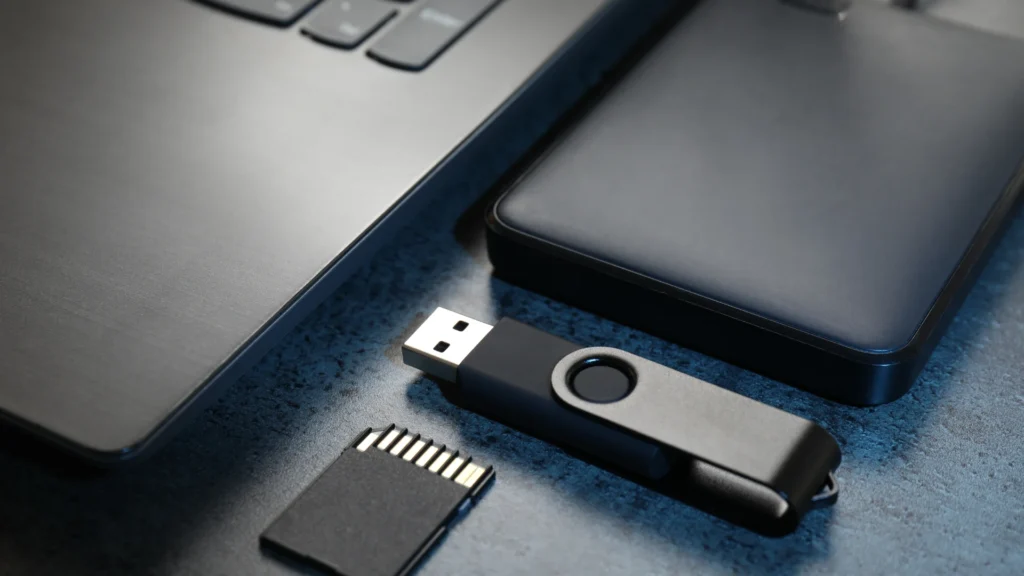
Here’s a simple and clear process anyone can follow:
First, remove the SD card from your device and connect it to your computer using a card reader. Most laptops and PCs can detect SD cards easily.
Next, download and install a trusted Data Recovery software on your computer. Make sure you install it on your computer, not on the SD card, because installing anything on the card could damage your data further.
After opening the software, you will see a list of drives. Select your SD card from the list. Then start the scan. Although the scan may take some time, be patient. The software is checking every part of the card.
Once the scan is complete, the software will show you a list of recoverable files. Many programs even let you preview photos or videos. This is helpful because you can see what you’re getting back before saving it.
Finally, choose the files you want and save them to your computer or another storage device. Do not save them back to the same SD card, since that could cause more problems.
What If Some Files Can’t Be Recovered?
Sometimes, not all files can be recovered. This usually happens if the data was overwritten or if the SD card is physically damaged. Although that can be disappointing, many users still recover most of their important files.
Even partial Data Recovery is better than losing everything. That’s why it’s always worth trying recovery software first.
Can You Fix the SD Card After Recovery?
After you recover your files, you can try formatting the SD card. Formatting removes errors and may make the card usable again. However, if the card keeps getting corrupted, it’s better to replace it.
SD cards are affordable, but your data is valuable. Therefore, using a new card is often the safer choice.
How to Prevent SD Card Problems in the Future
Once you’ve gone through data loss once, you’ll want to avoid it again. Always safely eject your SD card before removing it. Avoid using the same card on too many devices. Also, keep your devices protected from viruses.
Most importantly, create backups. Since accidents happen, backups help you stay calm. You can copy your files to a computer, external drive, or cloud storage. Thus, even if something goes wrong, your data stays safe.
Final Thoughts
Having a corrupted SD card can be incredibly stressful, but it is not the end of the road! Yes, it may seem like a very serious problem; however, Data Recovery Software gives you a strong chance to get your files back.
Data loss happens to almost everyone at some point. But knowing what to do makes a big difference. So next time your SD card fails, stay calm, use recovery software, and take steps to protect your data in the future.
FAQs
Yes, in many cases you can recover your data first using Data Recovery software before fixing or formatting the card.
No, you should not format it right away because formatting can erase your data and make recovery harder.
No, most Data Recovery software is simple to use and guides you step by step through the process.
Yes, recovery software can bring back photos, videos, and other files if they are not overwritten.
Always safely remove the card and keep backups of your files to stay protected.