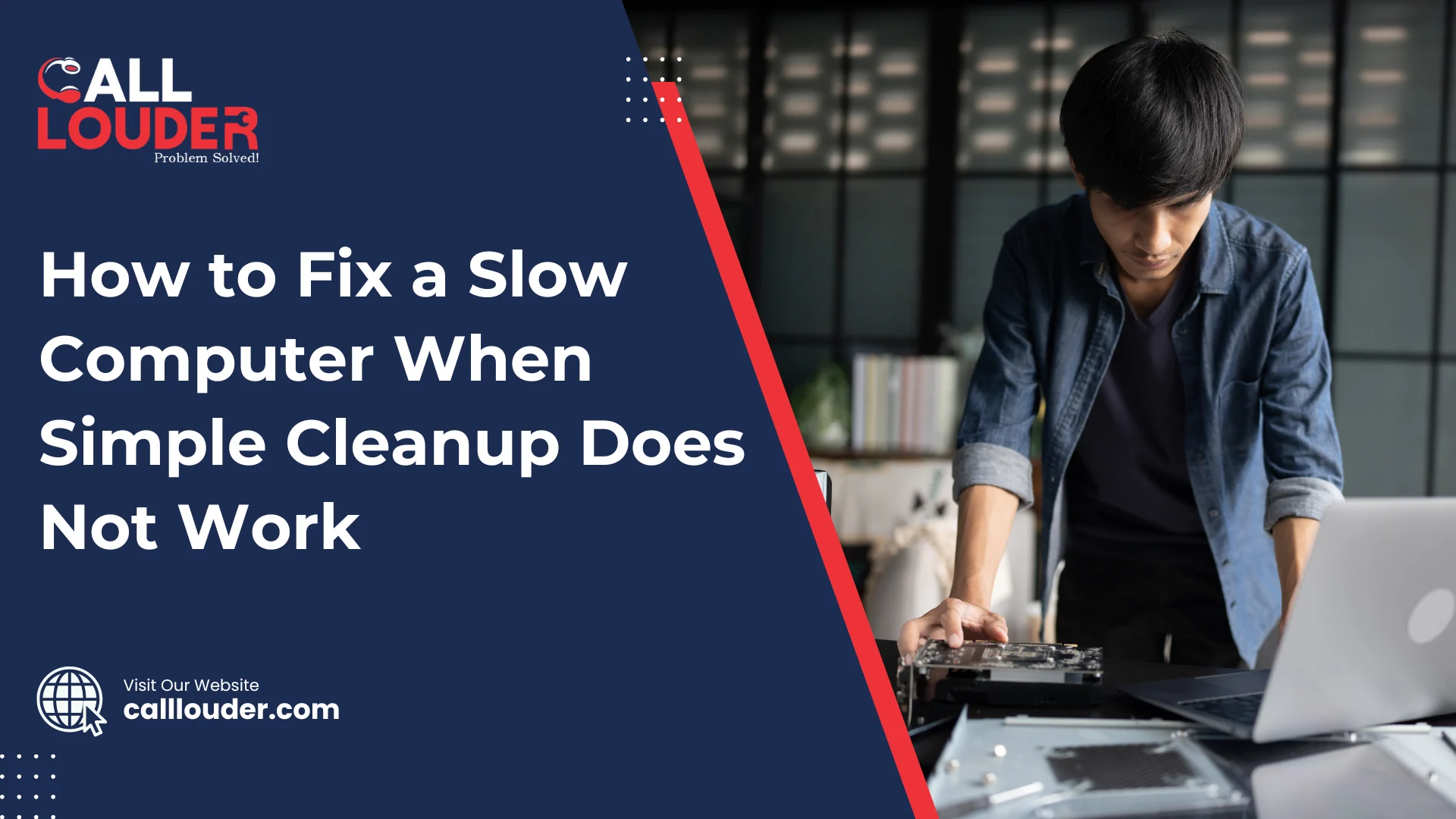
Deleting old files and clearing cache feels like the right fix most of the time, but sometimes it just doesn’t change anything and you continue to experience a lagging computer, apps taking too long to start, and even basic tasks feel tiring.
This is frustrating because you already did what most people recommend. However, the underlying cause for a slow computer is most often due to deeper issues. This blog explains practical fixes that work when simple cleanup fails.
Why Is My Computer Still Slow After Cleanup?
Cleanup removes temporary files, but those files are rarely the main reason for serious slowdowns. Although it helps free space, it doesn’t fix system or hardware problems.
Slow computer performance is often attributed to underlying issues, including limited memory, outdated software, or background programs, which aren’t resolved by running a cleanup tool.
Therefore, using those tools will not improve the performance of your computer. Your computer’s speed will remain unchanged because cleanup only clears out the clutter and does not ultimately resolve what is preventing your computer from working as it should.
Check for Background Programs Slowing Down Your Computer
Many programs start running as soon as your computer turns on, even if you haven’t opened them, but they still use memory and processing power.
Some applications continue to run in the background while you are not using them. Because they consume CPU and RAM, everything else on your computer becomes slower.
Scan for Malware and Hidden Threats
Viruses, spyware, and adware often slow computers without being obvious. They run in the background, send data, or show ads.
If your system freezes, shows pop-ups, or acts strangely, malware may be the cause. A full system scan matters more than a quick scan because hidden threats are harder to detect.
Upgrade or Optimize System Memory (RAM)
RAM helps your computer run apps and switch between tasks. When there isn’t enough RAM, everything slows down. Programs take longer to open, and your system may freeze or lag because it can’t handle multiple tasks at once.
You can check RAM usage through Task Manager or system settings. If memory usage stays high even when only just a few apps are open, that is an indication that your system is being overworked and having difficulties processing everything.
In that situation, the only option is to upgrade the RAM in your computer. Adding more memory gives your computer some extra space to work with and make everyday tasks smoother and much faster.
Hard Drive Issues That Cause Slow Computers

The type of hard drive affects speed a lot. Traditional HDDs are slower, while SSDs load files and apps much faster. If your system still uses an HDD, slow performance is common.
Over time, data on HDDs gets scattered, causing fragmentation. This results in longer read and write times. As a consequence, files open slowly and apps take more time to respond than normal.
The most common signs of a failing hard drive include frequent freezes, long boot times, strange noises, and missing files. Once any of these issues arise, backing up data and replacing the drive is recommended.
Fix Software Conflicts and Outdated Applications
Sometimes programs don’t work well together. Although each app may run fine on its own, running them together can cause freezing, crashes, or slow response.
Outdated software also creates problems because it may not match your system anymore. This leads to errors and performance drops since the software can’t communicate properly.
Keeping applications updated is important. Updates fix bugs, improve speed, and help programs work smoothly with your system.
Operating System Problems Affecting Performance
Corrupted system files can make your computer unstable and slow. These files often get damaged after sudden shutdowns or incomplete updates.
Pending or failed updates also cause issues, since the system keeps trying to fix itself in the background, which uses resources and slows everything down.
As a result of this, boot times increase and apps lag. Fixing system errors and completing updates helps restore performance.
Overheating and Hardware Performance Throttling
Dust buildup blocks airflow and traps heat inside your computer. Also, older computers with poor ventilation make the problem worse.
Additionally, when a CPU overheats, the system slows itself down to prevent damage. This causes a very noticeable drop in speed even with the simplest tasks.
You can spot overheating by loud fans, hot surfaces, or sudden lag. Cleaning vents and improving airflow helps keep performance steady.
Advanced Slow Computer Fix Methods
System diagnostic tools help find hidden problems. They show which parts of the system are overloaded or failing.
Updating drivers improves how hardware works with the system. An old driver usually lead to errors and slow performance.
If problems continue, you may need to reset or reinstall the operating system. This removes any underlying software issues and gives a fresh start.
When to Seek Professional Help for a Slow Computer
If basic fixes don’t help fix the issue, it is best to have a professional check it out. Frequent crashes or error messages are clear warning signs and ignoring performance issues can lead to data loss or hardware damage. And if these small problems are left unaddressed, it may result in a loss of data or possibly damage your hardware.
Professional Computer Support services save time and reduce risk. Experts can quickly find and fix issues safely.
How to Prevent Your Computer from Slowing Down Again
Regular maintenance keeps systems healthy and performing small maintenance tasks like updates and scans prevent long-term problems, and help prevent future maintenance issues.
Install only trusted software and remove apps you no longer use. Fewer programs mean fewer conflicts and better speed.
Keep an eye on system performance. Catching issues early helps maintain smooth and reliable operation.
FAQs
Because speed depends more on RAM, processor health, and background apps than on storage space.
Yes, many issues are software-related and can be fixed with updates, scans, or cleanup.
Small problems take a few minutes, while deeper issues may take a few hours.
It helps with serious software problems but should be the last option after other fixes.