Data backup is important because data loss can happen anytime. Systems can crash, files can be deleted by mistake, or cyber attacks can lock you out of your own data. Although these situations are common, many people still don’t prepare for them.
Since data is used differently by different people and businesses, there are multiple types of data backup. Each one works in its own way, but all aim to keep your information safe and recoverable.
What Is Data Backup?
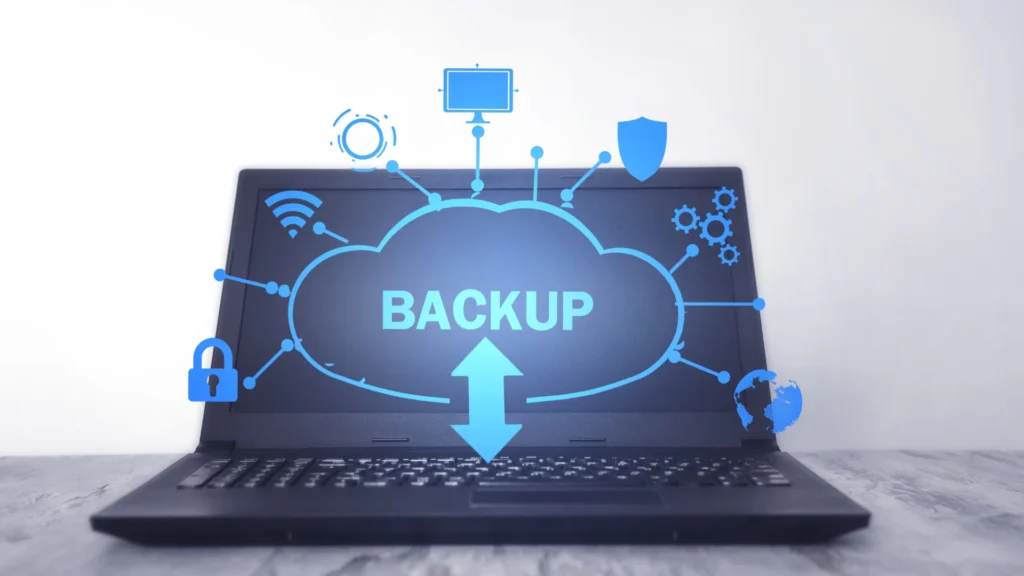
Data backup means creating a copy of your data and saving it in another place. This is done so that if the original data is lost, damaged, or deleted, you can restore it.
You should back up files like documents, photos, videos, emails, databases, and application data. Basically, anything you can’t afford to lose should be backed up.
Although data backup and data storage sound similar, they are not the same. Storage is where you actively use data, but backup is there only for recovery.
Why Are There Different Types of Data Backup?
Data keeps changing, but not always at the same speed. Some data changes daily, while other data stays the same for weeks. Because of this, one backup type cannot fit all situations.
There is also a need to balance storage space, backup speed, and recovery time. A faster recovery may need more storage, though slower backups may save space.
Personal users and businesses also have different needs. Businesses need frequent and reliable backups since downtime costs money, whereas personal users may need simpler solutions.
What Are the Main Types of Data Backup?
Full Backup
A full backup copies all selected data at once. Every file and folder is backed up, creating a complete data copy.
Because everything is stored together, restoring data is easy and fast. But it also takes more storage space and time.
Advantages:
- Easy to manage
- Fast recovery
Limitations:
- Uses a lot of storage
- Takes longer to complete
When to use:
Full backups are best for first-time backups or when complete recovery is required.
Incremental Backup
Incremental backup saves only the data that has changed since the last backup. This could be since the last full backup or the last incremental backup.
A full backup is created first, and then only new or modified files are saved. Therefore, the backups are smaller and quicker.
Benefits:
- Saves storage space
- Faster backups
Drawbacks:
- Recovery takes longer
- Needs all backup files to restore data
Best use cases:
Useful when data changes often, especially for daily business operations.
Differential Backup
Differential backup copies all data that has changed since the last full backup and it does not depend on previous differential backups.
Although it tends to use more space than incremental backups, it restores data comparatively faster because fewer files are needed.
Pros:
- Faster recovery than incremental
- Simpler restore process
Cons:
- Uses more storage over time
Ideal scenarios:
Good for users who want a balance between backup speed and recovery speed.
What Is Mirror Backup and How Does It Work?
Mirror backup creates an exact copy of your data and keeps it updated. When files are added, changed, or deleted, the same happens in the backup.
Because there are no older versions saved, deleted files cannot be recovered later.
Key risks:
- No version history
- Accidental deletions are permanent
When to use:
Mirror backup is useful when you need an always-updated copy of your data.
What Is Cloud Data Backup?
Cloud data backup stores your data on remote servers over the internet. Files are backed up automatically and can be accessed from anywhere.
Because data is stored offsite, it stays safe even if your local system fails.
Key benefits:
- Remote access
- High security
- Automatic backups
Common use cases:
Ideal for remote work, businesses, and disaster recovery.
To understand different backup strategies in detail, you can also explore our guide on full vs incremental vs differential backup comparison.
What Is Local Data Backup?
Local backup stores data on physical devices like external hard drives, USB drives, or NAS systems.
Since the data is nearby, recovery is fast. However, physical damage or theft can still cause data loss.
Devices used:
- External hard drives
- USB drives
- Network storage
Advantages:
- Quick access
- No internet needed
Limitations:
- Risk of hardware failure
- Limited storage
What Is Hybrid Data Backup?
Hybrid backup combines local and cloud backups. Data is saved both on physical devices and in the cloud.
This way, recovery is fast using local backups, while cloud backups protect against disasters.
Why businesses prefer it:
It offers speed, security, and flexibility, thereby reducing downtime.
Which Type of Data Backup Is Best?
There is no single best backup type. The right choice depends on your needs.
These factors can be considered:
- Data size
- How often data changes
- Required recovery speed
- Security requirements
Since every setup is different, a mix of backup types often works best.
How Often Should Data Backup Be Done?
Backups can be done daily, weekly, or even in real time. This depends on how important and active your data is.
Automated backups are recommended because manual backups are often forgotten. Regular schedules ensure data is always protected.
Common Data Backup Mistakes to Avoid
- Relying on only one backup method
- Never testing backups
- Ignoring encryption and security
- Forgetting to back up emails and applications
Although backups exist, they are useless if they don’t work properly.
How Professional Data Backup Services Simplify the Process
Professional services handle everything automatically. They monitor backups, manage security, and speed up recovery.
Services like CallLouder’s data backup solutions help reduce downtime and protect business data efficiently.
Conclusion
Data backup is not optional anymore. Since data loss can happen anytime, choosing the right backup strategy is essential. Although there are many types of backups, understanding how they work helps you make better decisions. Thus, your data stays safe, recoverable, and secure.
For complete data protection and expert support, visit Call Louder and keep your data safe from unexpected loss.
FAQs
Cloud backups with encryption are considered very secure, especially when combined with local backups.
Yes, it is safe because data is encrypted and stored in secure data centers.
You may restore data from an earlier backup or contact your backup provider for support.
Recovery time depends on data size and backup type, but full backups usually restore faster.