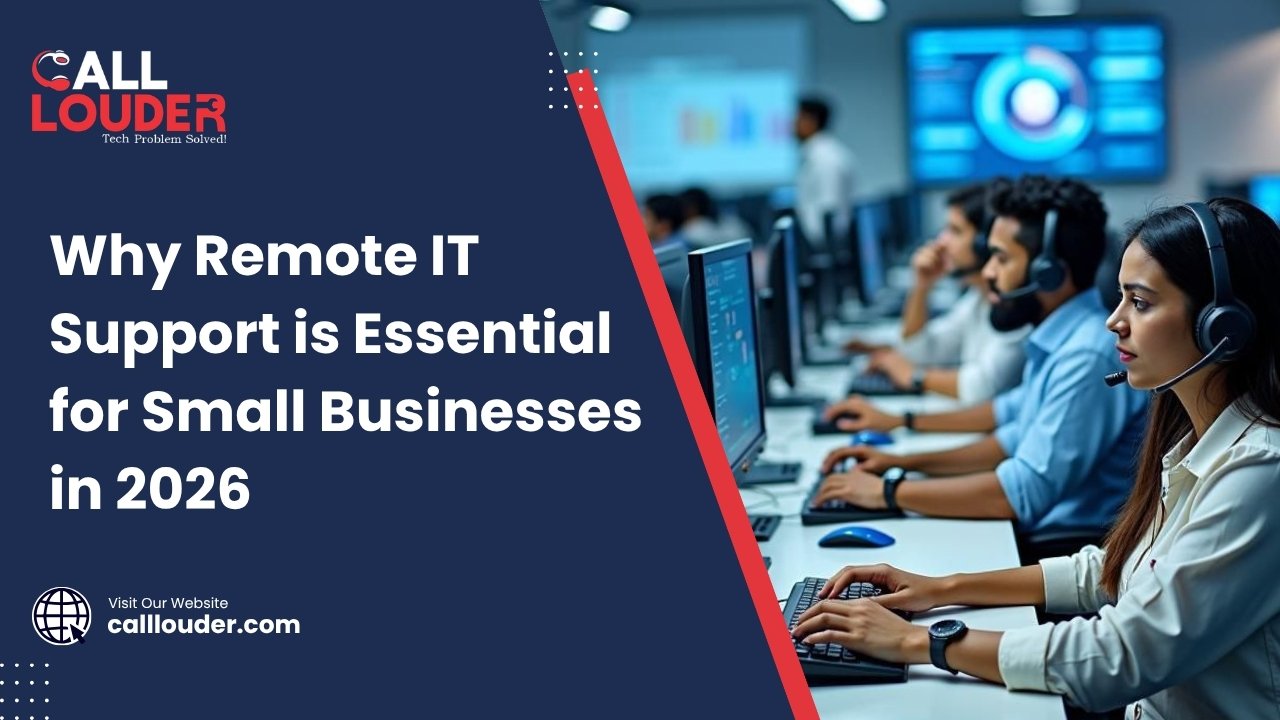
Small businesses in 2026 rely heavily on technology – whether it’s managing customers, processing payments, or running daily operations. But even a minor technical issue can slow down productivity or stop work completely.
Hiring a full-time IT team is expensive, which is why many companies are turning to Remote IT Support as a smarter solution. It offers fast, affordable, and reliable assistance without the need for on-site technicians.
In fact, remote IT support for small businesses is becoming the preferred choice because it reduces costs, improves efficiency, and ensures quick problem resolution.
What Is Remote IT Support
Remote IT Support is a service where IT professionals access your computer or network remotely to diagnose and fix technical issues without being physically present.
It uses secure tools like:
- Remote desktop software
- Screen sharing
- Cloud-based monitoring systems
This allows businesses to get instant help through virtual IT help and online tech assistance, saving time and reducing downtime.
Why Small Businesses Need Remote IT Support in 2026
1. Rising Cybersecurity Threats
Cyberattacks are no longer limited to large corporations. Small businesses are now prime targets.
Remote IT support helps:
- Detect threats early
- Install security patches
- Protect sensitive data
2. Growth of Remote Work
With hybrid and remote work models growing, managing IT systems has become more complex.
Virtual IT help ensures:
- Employees get support from anywhere
- Systems stay connected and secure
3. Need for 24/7 Tech Assistance
Technical issues don’t follow business hours.
Online tech assistance provides:
- Round-the-clock support
- Instant issue resolution
- Reduced downtime
4. Limited IT Budgets
Hiring in-house IT staff is costly.
Managed IT services offer:
- Flexible pricing
- Scalable solutions
- Expert support without full-time hiring
Key Benefits of Remote IT Support for Small Businesses
Cost-Effective :
Remote IT support is cost-effective because there’s no longer a need for in-house IT staff resulting in significant savings on salaries as well as office space. Also, many services offer pay-as-you-go or subscription plans, so companies only pay for what they need. This will provide you with increased control over your finances, while still providing dependable technical support.
Faster Issue Resolution :
Problems can be fixed quickly, because technicians can access systems instantly. A remote IT technician can access your computer system almost immediately, so you don’t have to wait for someone to arrive. This saves time and increases productivity in the workplace.
24/7 Availability :
Remote IT support is available all the time, which is very useful for businesses. Systems are often monitored round the clock, so issues can be detected early. Although not every problem is urgent, emergency support is always available when needed. Thus, businesses can stay secure and active at all hours.
Access to Expert Technicians :
Small businesses get access to skilled professionals without the commitment of hiring. These experts have experience in handling different types of issues, so they can definitely provide better solutions. In addition, specialized support is available when needed, which would not be possible with an existing small in-house team.
Improved Security :
Remote IT support helps improve security by keeping systems updated. Regular updates and patches fix known issues and reduce the risk of having any issues at all. Technicians also monitor threats continuously, so problems can be identified early. Hence, businesses stay safer as well as more protected from cyber attacks.
Remote IT Support vs On-Site Support
Speed Comparison :
Remote IT support is usually faster because technicians can connect instantly and start fixing the issue right away. There is no waiting time for travel, so problems get solved quickly. On-site support, however, may take longer since the technician has to visit the location. Thus, remote support is better for quick fixes, although complex issues may still need in-person help.
Cost Comparison :
Remote support is more affordable, since there are no travel costs and no need for full-time staff. Only the service used by businesses can be paid and this saves money. On-site assistance, however, tends to be more costly as it involves travel, time and increased service fees. Hence, remote support is a better choice for budget-conscious small businesses.
Efficiency and Scalability :
Remote IT support is more efficient because one technician can handle multiple issues for different businesses at the same time. It also scales easily as the business grows, since support can be adjusted as needed. On-site support is less flexible, although it works well for specific tasks. Thus, remote support is more suitable for growing businesses that need flexible solutions.
How Virtual IT Help Works (Step-by-Step)
Step 1: Request Support Online
Submit a request via website, app, or email.
Step 2: Secure Remote Connection
Technician connects using encrypted remote tools.
Step 3: Diagnose the Problem
They analyze system errors and identify the problem.
Step 4: Fix and Optimize System
Issues are resolved and performance is improved.
Step 5: Ongoing Monitoring
Systems are monitored to prevent future issues.
When Should You Use Online Tech Assistance
You should use online tech assistance when:
- Your computer is slow
- Software errors occur
- WiFi or network issues arise
- Security threats are detected
- You need data recovery
Most everyday IT problems can be solved remotely. For example, if your system is lagging, you can also check this guide on Computer Running Slow? 7 Fixes That Actually Work for quick solutions.
How to Choose the Right Remote IT Support Provider
- Choose a company that has enough experience and knowledge, as professionals can cope with the issues more easily and quickly.
- Check how quickly they respond when you need help, because prompt assistance allows you to minimise your downtime and keep your workflow smooth.
- Ensure they adhere to the right security measures, as it is highly essential to secure business data.
- Look for clear pricing, so there are no hidden costs and you know exactly what you are paying for.
- Read reviews of customers; knowing what other users have had experience can help you understand the quality and reliability of the service.
Future of Remote IT Support (2026 & Beyond)
The future of remote IT support for small businesses includes:
- AI-powered support systems
- Automated issue detection
- Predictive maintenance
- Cloud-based IT infrastructure
Businesses adopting these technologies will stay ahead.
Need expert help? Get fast, reliable assistance with Call Louder and keep your business running without interruptions.
Frequently Asked Questions
What is remote IT support and how does it work?
Remote IT support allows technicians to access and fix your system remotely using secure internet connections.
Is remote IT support safe for small businesses?
Yes, it is safe when providers use encrypted connections, secure authentication, and strict data protection protocols.
How much does remote IT support cost?
Costs vary but are generally affordable, with options like subscription plans or pay as you go pricing.
Can remote IT support fix all computer problems?
It can fix most software and network issues, but hardware problems may require on-site support.
What are managed IT services for small businesses?
Managed IT services provide ongoing monitoring, maintenance, and support for your IT systems.